Executive Summary
- Reduces file size by permanently discarding non-essential data based on psychovisual and psychoacoustic models.
- Directly optimizes Largest Contentful Paint (LCP) by minimizing the byte-weight of hero images and media assets.
- Requires a strategic balance between visual fidelity and network transfer speed to maintain professional UX standards.
What is Lossy Compression?
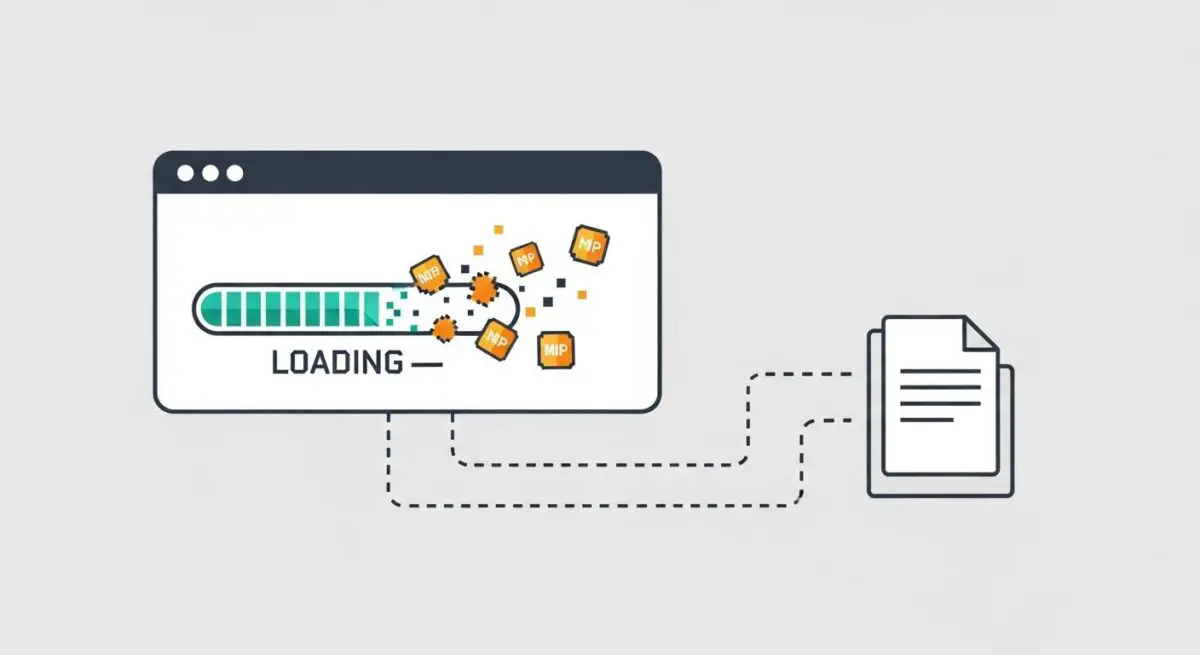
Lossy compression is a data encoding method that reduces the size of a file by permanently discarding information that is deemed less critical or redundant. In the realm of website performance, this technique is primarily applied to multimedia assets such as images (JPEG, WebP), audio (MP3), and video (H.264, HEVC). Unlike lossless compression, which allows for the perfect reconstruction of the original data, lossy algorithms prioritize significant reductions in bitrates and file sizes over bit-for-bit accuracy.
The technical foundation of lossy compression relies on perceptual coding. This process leverages human physiological limitations—such as the eye’s inability to distinguish between very similar shades of color or the ear’s inability to hear quiet sounds masked by louder ones. By removing this “invisible” data, lossy compression can achieve file size reductions of 70% to 90% compared to the original raw data, which is essential for efficient web delivery.
The Real-World Analogy
Imagine you are sending a detailed handwritten letter to a friend, but the postage cost is determined by the weight of the paper. To save money and ensure it arrives faster, you decide to rewrite the letter as a concise summary. You remove the flowery adjectives and repetitive phrases while keeping the core message and facts intact. Your friend still understands exactly what you meant to say, even though some of the original stylistic flourishes are gone. Lossy compression works the same way: it “summarizes” the digital data so the “package” is lighter and travels faster across the internet.
Why is Lossy Compression Critical for Website Performance and Speed Engineering?
Lossy compression is a cornerstone of modern speed engineering because it directly addresses the “payload” of a web page. Large, unoptimized images are often the primary culprit behind poor Largest Contentful Paint (LCP) scores. By applying lossy compression, developers can ensure that high-resolution hero images render almost instantaneously, even on mobile devices with limited bandwidth.
Furthermore, reducing the total byte count minimizes the time spent in the TTFB (Time to First Byte) and content download phases. This is critical for mobile-first indexing and user retention. Efficient lossy compression also reduces the strain on the browser’s main thread during the decoding process. Smaller files require less memory and CPU cycles to process, contributing to a smoother Interaction to Next Paint (INP) and overall improved responsiveness.
Best Practices & Implementation
- Adopt Next-Gen Formats: Utilize modern formats like WebP or AVIF, which offer superior lossy compression algorithms compared to legacy JPEGs, providing higher quality at even smaller file sizes.
- Calibrate Quality Levels: Aim for a “sweet spot” quality setting—typically between 75% and 85% for JPEGs—to maximize byte savings without introducing visible artifacts like blocking or banding.
- Automate via Build Tools: Integrate lossy compression into your CI/CD pipeline using tools like Sharp, ImageMin, or CDN-based image optimization services to ensure every asset is optimized before deployment.
- Implement Responsive Images: Use the srcset attribute to serve appropriately scaled and compressed versions of an image based on the user’s specific device resolution and viewport size.
Common Mistakes to Avoid
One frequent error is Generation Loss, which occurs when an already compressed lossy file is edited and saved again using lossy compression, leading to a compounding degradation of quality. Another mistake is applying lossy compression to assets that require high precision, such as logos with sharp edges, icons, or text-heavy images, where aliasing and blocking artifacts become highly distracting. Finally, many brands fail to test their compression levels across different screen types, resulting in images that look acceptable on standard displays but appear blurry on high-DPI (Retina) screens.
Conclusion
Lossy compression is an essential trade-off in web architecture, enabling the delivery of rich media without compromising on the speed and efficiency required for modern SEO and user experience standards.