Executive Summary
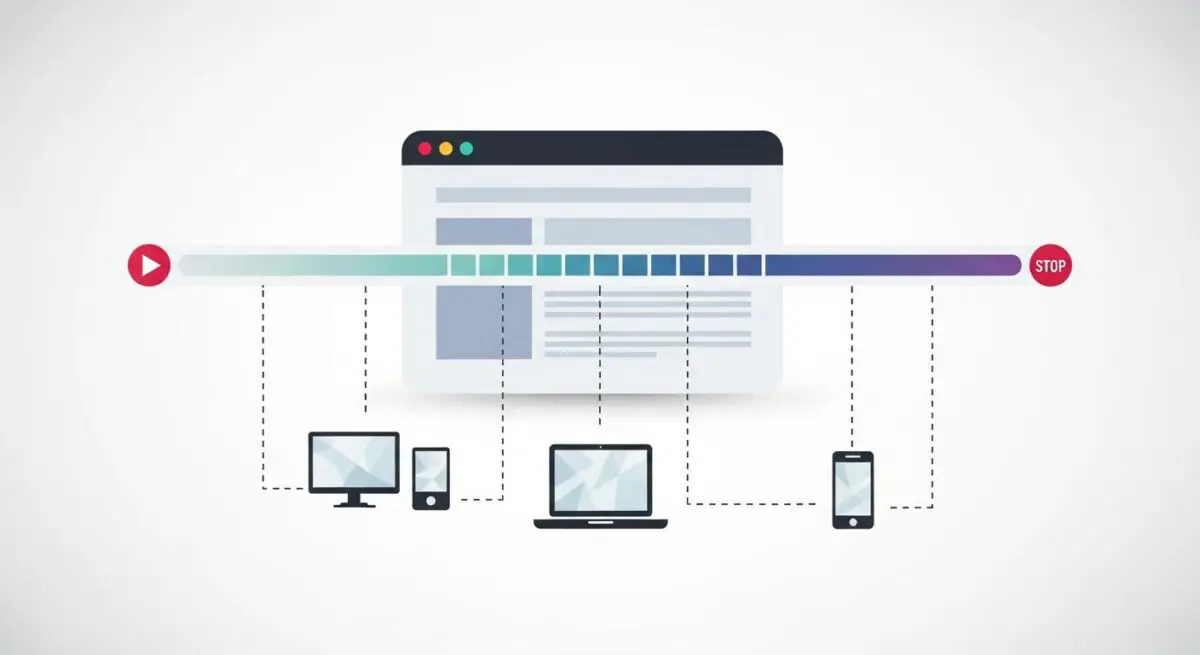
- Navigation Timing Metrics provide high-resolution timestamps for every phase of the page load lifecycle, from DNS resolution to the final load event.
- These metrics are essential for calculating Time to First Byte (TTFB) and identifying bottlenecks within the critical rendering path and network layers.
- Leveraging the PerformanceNavigationTiming API enables precise Real User Monitoring (RUM) to optimize Core Web Vitals across diverse user environments.
What is Navigation Timing Metrics?
Navigation Timing Metrics refer to a standardized set of high-resolution timestamps provided by the Navigation Timing API (specifically Level 2, PerformanceNavigationTiming). These metrics allow performance engineers to capture the exact duration of each stage in a document’s lifecycle, from the initial prompt to unload the previous page to the completion of the current page’s load event. By accessing the performance.getEntriesByType(‘navigation’) interface, developers can retrieve precise data points such as DNS lookup time, TCP handshake duration, and TLS negotiation latency.
At Andres SEO Expert, we utilize these metrics to dissect the critical rendering path. Unlike basic timers, Navigation Timing provides a granular breakdown of the network and browser processing phases. This includes the requestStart, responseStart, and responseEnd markers, which are essential for calculating the Time to First Byte (TTFB) and identifying whether performance bottlenecks originate at the server level, the network layer, or within the browser’s parsing engine.
The Real-World Analogy
Imagine you are tracking a high-priority international shipment. Instead of only knowing when you placed the order and when the box arrived at your door, Navigation Timing Metrics act as a comprehensive digital ledger that records every transition. It logs the exact millisecond the order was processed, when it cleared customs, the duration of the trans-Atlantic flight, the time spent in the local sorting facility, and the final delivery. Without this level of detail, if a package is late, you wouldn’t know if the delay happened at the warehouse or during the final mile delivery. Navigation Timing provides that same diagnostic clarity for every visitor on your website.
Why is Navigation Timing Metrics Critical for Website Performance and Speed Engineering?
Navigation Timing Metrics are the bedrock of Real User Monitoring (RUM). While synthetic testing provides a controlled baseline, these metrics capture the actual experience of users across diverse devices, browsers, and network conditions. They are critical for optimizing Core Web Vitals, particularly Largest Contentful Paint (LCP), by revealing delays in the initial document request phase. If the workerStart or fetchStart metrics show high latency, it indicates issues with Service Worker startup or cache lookups that must be addressed to improve perceived speed.
Furthermore, these metrics allow for the calculation of the Processing Delay, which is the time between responseEnd and loadEventEnd. This data is vital for enterprise-level hosting environments where server-side rendering (SSR) or complex edge-caching strategies are employed. By analyzing the delta between these timestamps, engineers can determine if the server is responding slowly or if the browser is struggling to parse an oversized HTML payload, enabling targeted infrastructure optimizations.
Best Practices & Implementation
- Transition to Level 2 API: Always use the PerformanceNavigationTiming interface instead of the deprecated PerformanceTiming to ensure compatibility with modern browsers and access to more granular data like transferSize and encodedBodySize.
- Monitor Redirect Latency: Calculate redirect time by subtracting redirectStart from redirectEnd. Excessive redirects significantly inflate TTFB and should be consolidated at the edge.
- Analyze DOM Interactive: Focus on the domInteractive timestamp to understand when the browser has finished parsing the HTML and the DOM is ready, which is a precursor to a functional user interface.
- Correlate with Resource Timing: Use Navigation Timing in conjunction with the Resource Timing API to identify if specific third-party scripts are delaying the domContentLoadedEventStart.
Common Mistakes to Avoid
A frequent error is failing to account for the unload event of the previous document, which can add significant latency to the current navigation if not optimized. Another common mistake is confusing domContentLoaded with the final load event; the former indicates the HTML is parsed, while the latter includes all dependent resources like images and stylesheets. Finally, many developers overlook the impact of Service Workers, failing to monitor workerStart, which can hide performance regressions in PWA implementations.
Conclusion
Navigation Timing Metrics provide the essential data required to diagnose and resolve complex loading bottlenecks in the modern web ecosystem. By leveraging these high-resolution timestamps, performance architects can ensure optimal server response times and a streamlined critical rendering path.