Executive Summary
- Centralized Configuration: Acts as the primary bridge between the WordPress application layer and the database layer, storing critical credentials and environment variables.
- Performance Optimization: Enables fine-grained control over PHP memory allocation, caching headers, and cron job execution to minimize server-side latency.
- Security Hardening: Serves as the first line of defense by managing cryptographic salts, disabling internal file editors, and controlling debugging output.
What is wp-config.php?
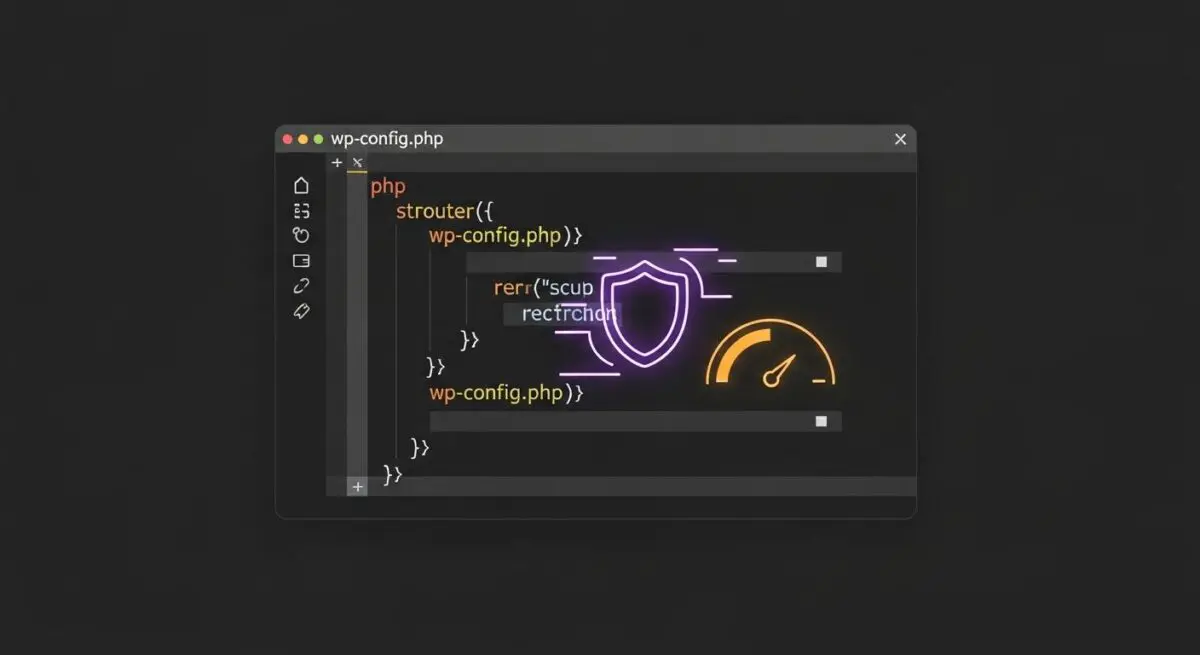
The wp-config.php file is the primary configuration interface for the WordPress core. It serves as the bridge between the file system and the MySQL/MariaDB database, containing sensitive credentials such as the database name, host, username, and password. Unlike other core files, wp-config.php is not included in the standard WordPress download package; it is generated during the installation process based on the wp-config-sample.php template.
Beyond database connectivity, this file defines global PHP constants that govern the behavior of the entire CMS. This includes security salts for cryptographic hashing, table prefixes for multi-site or shared database environments, and developer-centric toggles like WP_DEBUG. Because it is executed on every page load before the theme or plugins are initialized, it is the most critical file for server-side optimization and security hardening.
The Real-World Analogy
Think of wp-config.php as the master control panel and ignition system of a high-performance vehicle. While the WordPress core is the engine and the database is the fuel tank, the engine cannot start without the ignition system verifying the connection to the fuel. The control panel also sets the speed governor (memory limits) and safety protocols (security salts). If the control panel is misconfigured, the vehicle either fails to start or operates at a fraction of its potential efficiency.
How wp-config.php Impacts Server Performance & Speed Engineering?
In enterprise-grade WordPress hosting, wp-config.php is a vital tool for resource allocation. By defining the WP_MEMORY_LIMIT, architects can prevent PHP scripts from exhausting server RAM, which directly impacts Time to First Byte (TTFB). Furthermore, enabling WP_CACHE within this file signals to the system that an object cache or page cache mechanism should be prioritized, reducing the computational load on the CPU.
Another significant performance impact comes from the DISABLE_WP_CRON constant. By disabling the default virtual cron and replacing it with a server-level system cron (crontab), developers eliminate the performance overhead caused by WordPress checking for scheduled tasks on every single page visit. This optimization is essential for high-traffic environments where server-side rendering efficiency is paramount.
Best Practices & Implementation
- Harden Security with Salts: Always use unique, high-entropy security keys generated by the official WordPress API to encrypt user cookies and session data.
- Restrict File Editing: Implement
define('DISALLOW_FILE_EDIT', true);to prevent administrators from modifying theme or plugin files via the dashboard, mitigating the risk of code injection. - Optimize Database Calls: Use
define('WP_POST_REVISIONS', 3);to limit the number of stored post revisions, preventing database bloat and maintaining query speed. - Environment-Specific Logic: Utilize
WP_ENVIRONMENT_TYPEto toggle between ‘development’, ‘staging’, and ‘production’ to ensure debugging tools are never active on live sites. - Relocate for Security: For non-standard setups, move the file one directory above the WordPress root to prevent it from being served as plain text in the event of a server misconfiguration.
Common Mistakes to Avoid
One frequent error is leaving WP_DEBUG set to true in a production environment, which can leak sensitive path information and database errors to end-users. Another critical mistake is failing to set appropriate file permissions; wp-config.php should typically be set to 400 or 440 to prevent unauthorized read/write access by other system users.
Conclusion
The wp-config.php file is the architectural cornerstone of a WordPress installation, dictating both security posture and server-side performance. Proper management of this file is non-negotiable for maintaining a scalable, high-availability enterprise web environment.