Executive Summary
- Automates the transition of code from version control to production, eliminating manual FTP/SFTP errors.
- Integrates automated linting and unit testing to ensure PHP and JavaScript stability before execution.
- Facilitates zero-downtime deployments through atomic symlink switching and automated cache invalidation.
What is Deployment Pipeline?
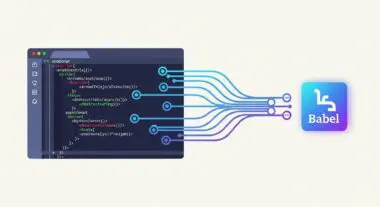
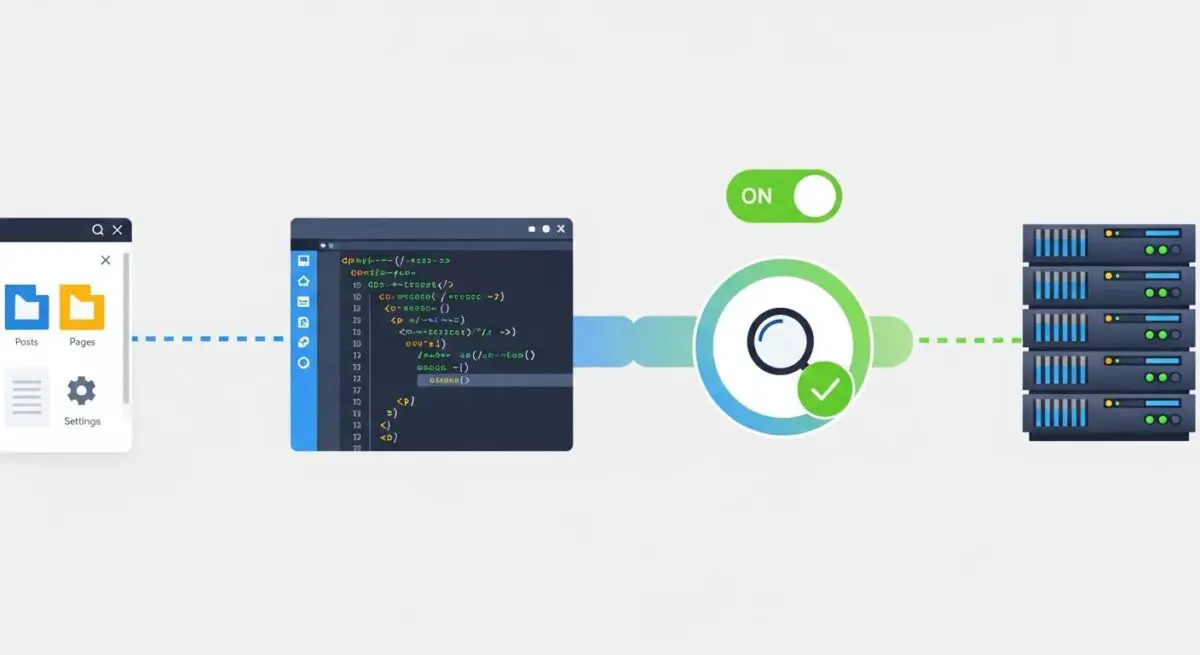
A deployment pipeline is a structured, automated sequence of stages that code changes must pass through to be released into a WordPress environment. In enterprise WordPress architecture, this typically involves Continuous Integration (CI) and Continuous Deployment (CD) workflows. The process begins with a developer committing code to a version control system like Git, which triggers automated build processes, including dependency management via Composer or NPM, and rigorous testing phases.
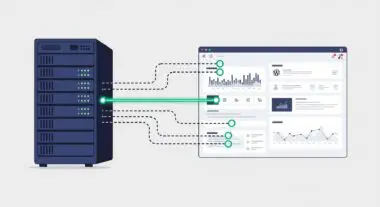
The pipeline serves as a quality gate, ensuring that only code meeting specific technical standards reaches the production server. For WordPress, this includes verifying compatibility with the core version, active plugins, and the database schema. By decoupling the development environment from the live server, the pipeline provides a controlled path for updates, reducing the risk of the White Screen of Death and other critical runtime errors.
The Real-World Analogy
Imagine a high-end automobile manufacturing plant. Instead of a single mechanic building a car from scratch in a driveway, the car moves along an automated assembly line. At each station, a specific task is performed—installing the engine, painting the frame, or testing the brakes. If a sensor detects a loose bolt or a faulty component at any stage, the line stops immediately, preventing a defective vehicle from ever reaching the dealership. A deployment pipeline is that assembly line for your website, ensuring every line of code is inspected and tested before it is allowed to drive on the live internet.
How Deployment Pipeline Impacts Server Performance & Speed Engineering?
A robust deployment pipeline directly influences server performance by optimizing assets before they reach the hosting infrastructure. During the build phase, the pipeline can execute tasks such as CSS/JS minification, image compression, and tree-shaking to remove unused code. This ensures that the production server only handles highly optimized, production-ready files, reducing the payload delivered to the browser and improving Core Web Vitals.
Furthermore, modern pipelines often include automated cache purging and CDN invalidation. When a new deployment is successful, the pipeline can programmatically clear Object Caches (like Redis or Memcached) and Edge Caches. This prevents the serving of stale content and ensures that performance-enhancing caching layers are synchronized with the latest code version. Atomic deployments—where the new version is prepared in a separate directory and switched via a symlink—also ensure that the server’s CPU and I/O are not taxed by slow file-by-file transfers during peak traffic.
Best Practices & Implementation
- Version Control Integration: Always use Git as the source of truth, ensuring that the pipeline is triggered by specific branch actions such as merging to the production branch.
- Automated Testing: Implement PHPUnit for backend logic and Cypress or Playwright for end-to-end visual regression testing within the CI stage to catch breaking changes early.
- Environment Parity: Ensure that staging and production environments mirror each other in terms of PHP version, database engine, and server configuration to prevent environment-specific bugs.
- Atomic Deployments: Utilize tools that support symlink-based deployments to allow for near-instantaneous rollbacks if a post-deployment error is detected.
- Dependency Management: Use Composer for PHP and NPM/Yarn for JavaScript to manage external libraries, ensuring that vendor files are never manually edited or uploaded.
Common Mistakes to Avoid
One frequent error is deploying directly from a local machine to production via FTP or SFTP, which bypasses all testing and version history, leading to untraceable bugs. Another mistake is failing to include a database migration strategy; code changes that rely on specific database structures will fail if the database is not updated in sync with the deployment. Finally, many organizations neglect to automate the clearing of server-side caches, resulting in fragmented site states where new code interacts with old cached data.
Conclusion
A deployment pipeline is essential for maintaining the integrity, security, and performance of enterprise WordPress installations. By automating the path from development to production, agencies ensure a scalable and resilient hosting architecture.