Executive Summary
- Hot Module Replacement (HMR) is a development-stage mechanism that exchanges, adds, or removes modules while an application is running, without a full page reload.
- In WordPress development, HMR is essential for building Gutenberg blocks and headless applications, as it preserves the application state during iterative coding.
- Proper HMR implementation significantly reduces the feedback loop for developers, though it requires specific build-tool configurations like Webpack or Vite.
What is Hot Module Replacement?
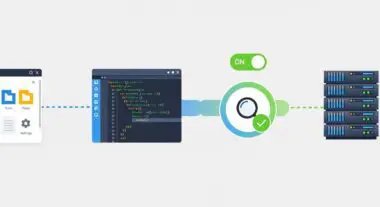
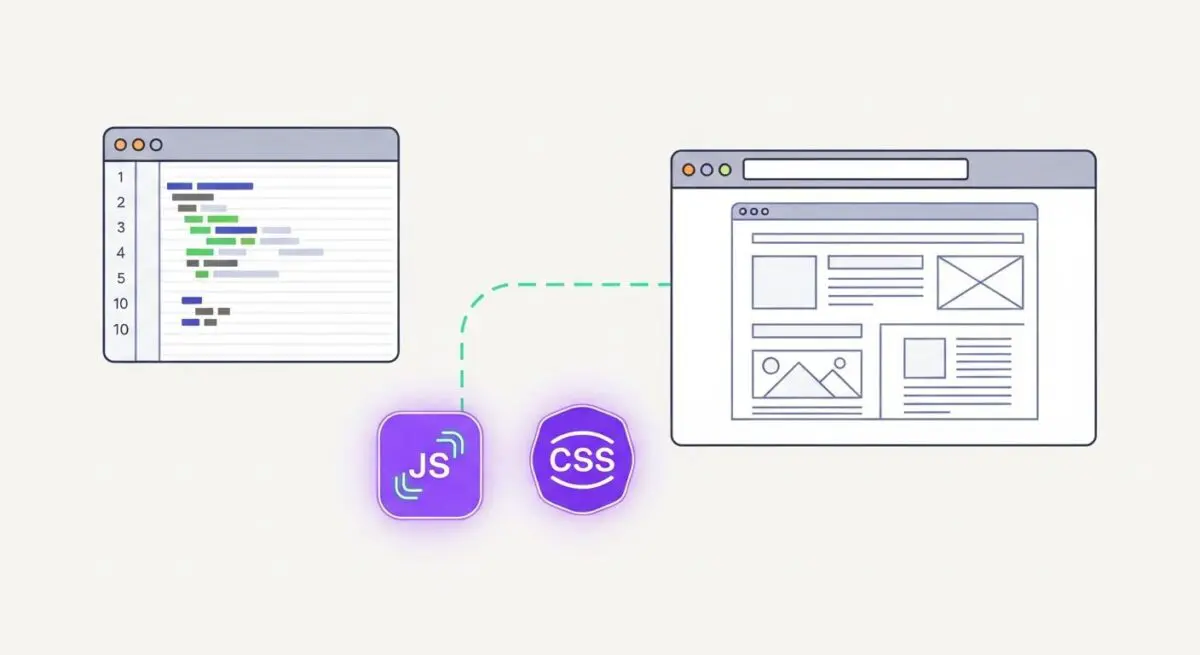
Hot Module Replacement (HMR) is a sophisticated feature utilized by modern JavaScript module bundlers—such as Webpack, Vite, and Parcel—to update the application runtime without necessitating a complete browser refresh. Unlike traditional live-reloading, which triggers a full document re-render and clears the current state of the application, HMR injects updated code directly into the existing execution context. This allows developers to see changes in CSS, JavaScript, or React components instantly while maintaining the data currently held in memory.
Within the WordPress ecosystem, HMR has become a fundamental component of the modern development workflow, particularly for Gutenberg block development and Full Site Editing (FSE) themes. By utilizing tools like @wordpress/scripts, developers can modify the logic or styling of a block and observe the results within the WordPress editor immediately. This architectural approach relies on a persistent connection (often via WebSockets) between the local development server and the browser, enabling the surgical replacement of specific code modules without disrupting the user interface state.
The Real-World Analogy
Imagine a professional pit crew performing maintenance on a high-performance race car while it is still moving at a controlled speed on the track. Instead of the driver having to pull into the garage, turn off the engine, and wait for a full restart (a full page reload), the crew swaps out a specific tire or adjusts a wing component while the car maintains its momentum and the driver stays in their seat with the radio and telemetry running (preserving the application state). HMR allows the “engine” of your WordPress site to keep running while you swap out individual parts of the code.
How Hot Module Replacement Impacts Server Performance & Speed Engineering?
While HMR is primarily a development-time utility, its impact on the engineering lifecycle directly influences the final performance of a WordPress site. By enabling rapid iteration, HMR allows developers to fine-tune render-blocking resources and optimize CSS delivery with higher precision. From a server-side perspective, HMR shifts the burden of asset compilation to a local development server, ensuring that the production environment remains untouched by the overhead of continuous recompilation.
In the context of speed engineering, HMR facilitates the development of highly modular codebases. Because HMR works best with small, decoupled modules, it encourages developers to follow best practices in code splitting and tree-shaking. This architectural discipline results in smaller production bundles, faster Time to Interactive (TTI), and improved Core Web Vitals. Furthermore, when building headless WordPress architectures, HMR is critical for maintaining the synchronization between the WordPress REST API or GraphQL layer and the frontend framework, ensuring that data fetching logic can be debugged without losing the current UI context.
Best Practices & Implementation
- Environment Segregation: Always ensure that HMR runtimes are strictly confined to local or staging environments; never ship HMR-enabled bundles to production as they contain significant overhead and security vulnerabilities.
- State Management: Implement “Hot Acceptance” logic in your JavaScript modules to define how the application should handle the incoming code update without losing critical component state.
- Optimize Dependency Graphs: Maintain a clean and modular file structure to ensure the bundler can quickly identify and replace only the affected modules, preventing unnecessary re-builds of the entire dependency tree.
- Use Modern Tooling: Transition from legacy Webpack configurations to Vite-based workflows for WordPress development to benefit from faster HMR response times via native ES modules.
Common Mistakes to Avoid
One frequent error is failing to properly dispose of side effects, such as event listeners or timers, when a module is replaced; this leads to memory leaks and erratic browser behavior. Another critical mistake is including the HMR client-side script in the production build, which increases the page weight and exposes the internal file structure of the theme or plugin. Finally, developers often overlook the configuration of the publicPath in their bundler, which can cause HMR to fail when working with complex WordPress multisite or subdirectory installations.
Conclusion
Hot Module Replacement is a vital architectural tool that bridges the gap between complex codebases and rapid UI iteration. By mastering HMR within the WordPress development lifecycle, engineering teams can produce more optimized, state-aware applications while maintaining high standards of performance and code integrity.