Key Points
- Google’s mobile-first indexing engine ignores desktop-only JSON-LD, causing severe crawl budget waste and loss of Generative Engine Optimization (GEO) visibility.
- Root causes typically involve conditional server logic like wp_is_mobile, aggressive JavaScript deferral on mobile viewports, or CSS-driven DOM exclusions.
- Resolution requires centralizing schema output hooks in the backend architecture and validating parity via CLI cURL commands spoofing the Googlebot Smartphone User-Agent.
Table of Contents
The Core Conflict: Mobile-First Indexing and Structured Data Disparity
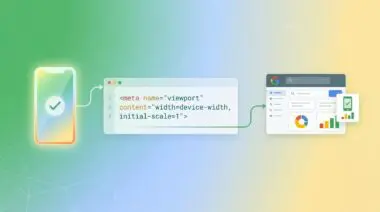
According to the HTTP Archive, mobile pages contain an average of 18.4% less structured data markup than their desktop counterparts. This highlights a widespread failure in achieving true feature parity in the mobile-first indexing era. When your infrastructure fails to serve identical metadata across devices, you encounter a Structured Data Disparity in Mobile-First Indexing.
This technical configuration error occurs when the mobile version of a URL contains less, different, or missing JSON-LD compared to the desktop version. Since Google’s indexing engine uses the mobile version as the primary source of truth, desktop-only schema is effectively ignored. This discrepancy prevents the site from qualifying for Rich Results and diminishes the semantic understanding of the page’s content.
From a Crawl Budget perspective, this disparity forces Googlebot to spend excessive resources attempting to reconcile differences between the desktop-cached version and the mobile-rendered version. For Generative Engine Optimization (GEO), the impact is catastrophic. AI-driven search models rely on structured data to build entity-relationship maps.
If the mobile-first snapshot lacks this data, the Generative Engine may fail to cite the source correctly. This leads to a complete exclusion from AI-generated summaries and conversational responses.
Diagnostic Checkpoints for Schema Desynchronization
This error is rarely a simple typo; it is usually a desynchronization in your server, edge, or application stack.
Diagnostic Checkpoints
Conditional Theme Logic (wp_is_mobile)
Server-side logic skips JSON-LD blocks on mobile viewports.
CSS-Driven DOM Exclusion
Mobile UI visibility rules hide structured microdata elements.
JavaScript Execution and Optimization Conflicts
Aggressive mobile script delays prevent schema injection scripts.
Unsynchronized M-Dot Subdomain Codebase
Separate mobile codebase lacks desktop schema maintenance updates.
At the application layer, conditional logic is the most common culprit. Developers often exclude scripts or metadata in mobile templates to improve PageSpeed, unintentionally stripping the application/ld+json blocks. Visual page builders also contribute by allowing users to hide entire DOM sections on mobile devices.
If microdata is embedded within the HTML structure of a hidden container, parsers may fail to extract it during rendering. At the server and optimization layer, aggressive JavaScript minification can break schema injection scripts for mobile viewports. For a deeper understanding of these architectural failures, reviewing case studies on mobile-first indexing SEO problems provides valuable context.
Finally, legacy multisite installations using a separate mobile subdomain often run on a simplified codebase. Maintenance tasks like schema updates are frequently applied to the desktop site and neglected on the mobile subdomain. You can explore the broader impact of these discrepancies in the HTTP Archive report on structured data.
Engineering Resolution Roadmap
Resolving this disparity requires a systematic approach to auditing and unifying your DOM output.
Engineering Resolution Roadmap
Compare Mobile vs Desktop DOM
Use the Chrome DevTools ‘Network Conditions’ to set the User-Agent to ‘Googlebot Smartphone’ and refresh. Compare the presence of JSON-LD scripts in the ‘Elements’ tab against the desktop view.
Unify Schema Output Hook
Refactor theme code to move all structured data generation into a centralized PHP function hooked into ‘wp_head’. Ensure no conditional ‘if (wp_is_mobile())’ checks wrap this function.
Disable Mobile-Specific Script Deferral
In WP Rocket or similar optimization plugins, exclude your schema injection scripts (e.g., ‘rank-math-schema-data’ or custom JSON-LD script IDs) from ‘Delay JavaScript Execution’ settings.
Validate via GSC Live Test
Open Google Search Console, enter the URL in ‘URL Inspection’, and click ‘Test Live URL’. Ensure you select the ‘Smartphone’ agent results and check the ‘Detected Items’ tab for all expected schema.
The first phase requires spoofing the Googlebot Smartphone User-Agent to inspect the raw DOM payload. This confirms whether the issue is server-side omission or client-side rendering failure. Once identified, the backend architecture must be refactored to decouple schema generation from visual layout logic.
Structured data must be treated as a global requirement, independent of device type or viewport size. If you rely on client-side injection, mobile-specific script deferral rules must be bypassed for your JSON-LD payloads. This ensures Googlebot-Mobile does not time out before the schema is appended to the DOM.
Executing the Resolution in WordPress
To guarantee parity, we must eliminate conditional statements wrapping our metadata hooks.
Fixing Schema Output via Centralized Hooks
In WordPress environments, themes often utilize the wp_is_mobile function to serve lighter templates. You must refactor your theme code to move all structured data generation into a centralized PHP function.
This function must be hooked directly into wp_head without any device-specific conditional checks. The following snippet demonstrates how to enforce global schema output.
add_action('wp_head', function() {
// Ensure structured data is output regardless of device type
$schema_data = [
"@context" => "https://schema.org",
"@type" => "WebPage",
"name" => get_the_title(),
"url" => get_permalink()
];
echo '';
}, 1);Validation Protocol and Edge Cases
Deploying the fix is only half the battle; rigorous validation is required to confirm crawler ingestion.
Validation Protocol
- Run the Rich Results Test specifically selecting Googlebot smartphone in settings.
- Execute CLI curl command with a spoofed Googlebot Smartphone User-Agent.
- Verify JSON-LD block presence in raw HTML via grep application/ld+json.
- Confirm parity between Smartphone agent results and Desktop schema in GSC.
Immediately verify the fix by running the Google Rich Results Test and specifically selecting the smartphone crawler in the settings. For a lower-level check, execute a CLI cURL command with a spoofed Googlebot Smartphone User-Agent. Piping the output through grep for application/ld+json will confirm if the server is delivering the payload correctly.
Even with perfect application code, edge cases can still strip your schema. A common conflict involves Cloudflare Edge Workers configured to remove non-essential scripts for mobile devices to reduce Time to First Byte. If the Worker’s regex pattern targets all script tags indiscriminately, the schema is purged at the edge before it ever reaches the crawler.
Autonomous Monitoring and Prevention
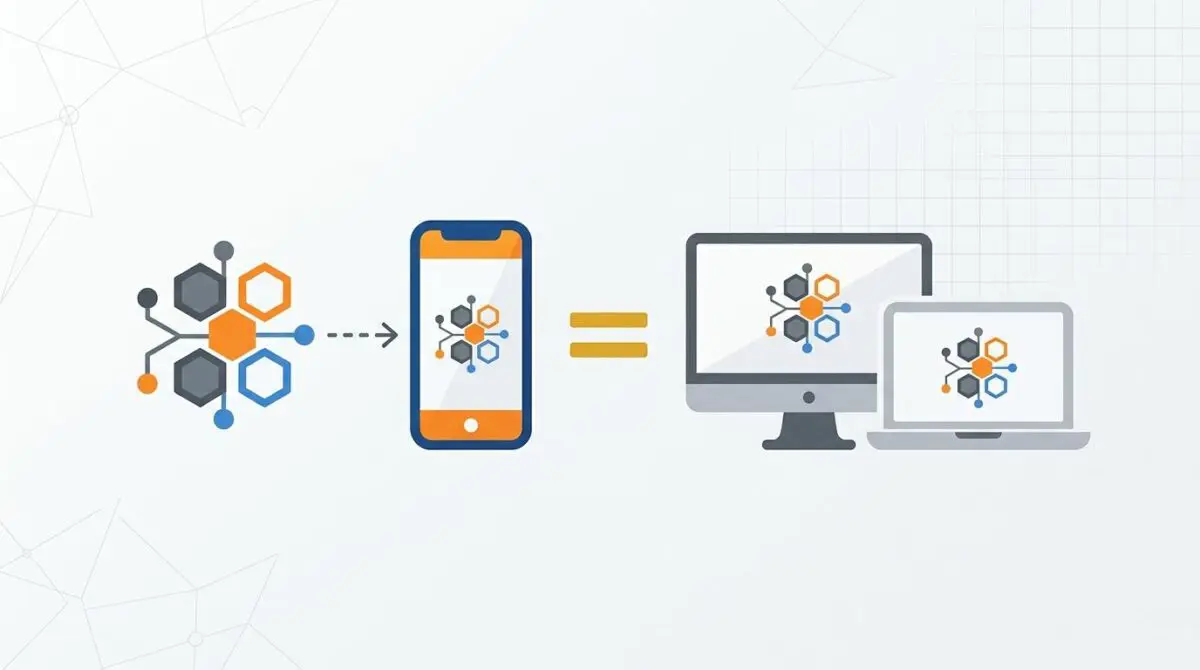
Preventing regression requires implementing a strict Mobile-First schema policy. Structured data must be globally defined and completely independent of CSS visibility rules or conditional server logic.
- Lighthouse CI: Automates parity audits during the deployment pipeline.
- Log Analysis: Verifies HTTP response sizes for Googlebot-Mobile.
- Edge Monitoring: Ensures Cloudflare Workers are not stripping JSON-LD payloads.
Enterprise environments should utilize CI/CD automation to audit both desktop and mobile versions for JSON-LD parity before every deployment. Periodically running server log analysis ensures Googlebot-Mobile consistently receives the same HTTP response size as Googlebot-Desktop.
At Andres SEO Expert, we architect custom Make.com pipelines to autonomously monitor entity integrity across the stack. By integrating log file analysis with custom API alerts, engineering teams can detect schema desynchronization before it impacts search visibility.
Conclusion
Resolving structured data disparity is a critical mandate for maintaining entity visibility in modern search. By unifying your schema output hooks and bypassing aggressive mobile optimizations, you ensure Googlebot has the semantic data it requires.
Navigating the intersection of technical SEO, server architecture, and generative search requires a precise roadmap. If you need to future-proof your enterprise stack, resolve deep-level crawl anomalies, or implement AI-driven SEO automation, connect with Andres at Andres SEO Expert.