Key Points
- Unmanaged print-friendly URL parameters fragment link equity and waste crawl budget by forcing Googlebot to render redundant, stripped-down templates.
- Injecting dynamic canonical tags and global X-Robots-Tag headers ensures search engines consolidate indexing signals to the primary web version.
- Migrating to CSS-based media queries eliminates secondary print URLs, securing entity integrity and preventing edge-cache desynchronization in headless setups.
Table of Contents
The Core Conflict: Print Variations vs. Web Indexing
Unmanaged URL parameters, like print versions of pages, are a major cause of wasted crawl budget. Technical SEO audits show that canonicalization errors affect up to 26% of top-tier publishing sites. This can hurt your organic visibility by hiding your main page in favor of a simplified print template.
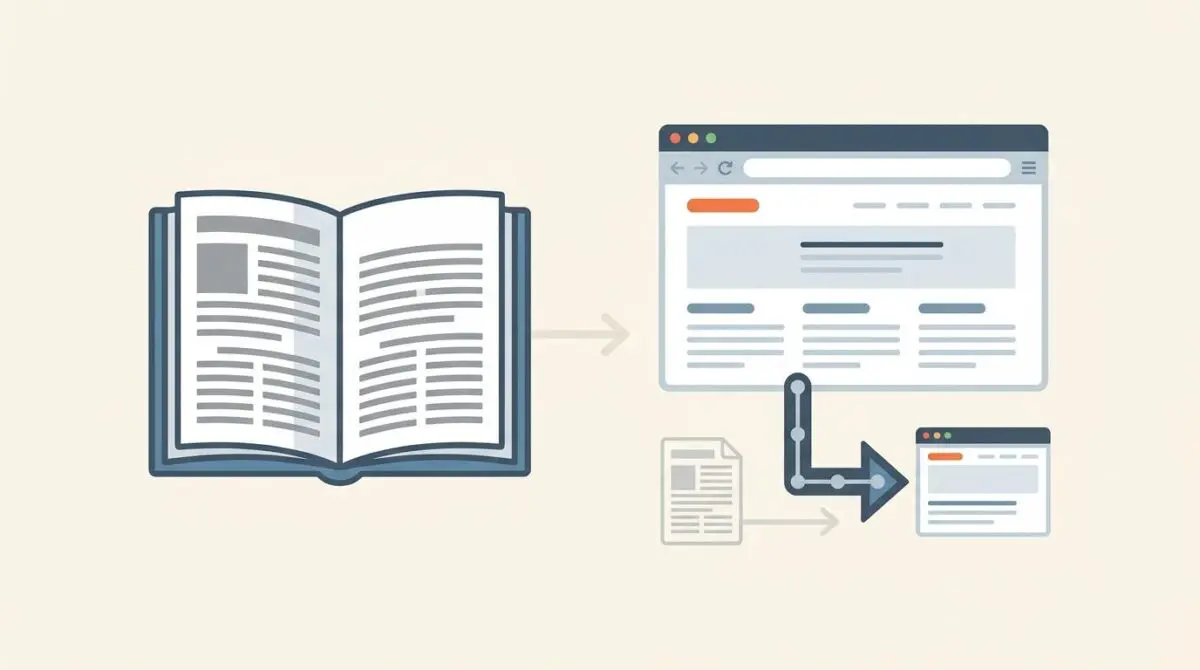
Print-friendly URL canonicalization is how we manage secondary page versions meant for physical printing. These versions usually load via query parameters or dedicated subdirectories. Without clear canonical signals, search engines treat them as duplicate content.
In the worst cases, Google might index the stripped-down print version instead of your main page. This mistake damages your site’s architecture by splitting link equity and confusing search engines. Print versions also lack the critical metadata and structured data needed for modern search visibility.
This leads to poor citations in AI answers and a weaker presence in Google’s Knowledge Graph. Googlebot also wastes valuable time rendering redundant templates instead of finding your fresh content. You will usually spot this in Google Search Console under the Excluded section as a duplicate canonical error.
Diagnostic Checkpoints: Identifying the Desynchronization
Fixing this indexing issue means finding exactly where your setup fails to pass the right canonical signals. The problem usually comes from a mismatch between your server configuration, your content management system, and the search engine crawler.
Diagnostic Checkpoints
Missing Rel=Canonical in Print Templates
Print templates omit standard wp_head canonical logic.
Crawlable Print Links in UI
UI print buttons lack nofollow, inviting duplicate crawling.
Search Engine Rendering Preference
Clean DOMs in print versions favor indexing over standard.
Improper Robots.txt Configuration
Permissive robots.txt allows crawlable duplicate print parameters.
In WordPress, older themes or print-to-PDF plugins often create pages outside the standard post loop. This bypasses the SEO logic provided by plugins like Yoast or Rank Math. As a result, standard canonical tags are completely missing from the page code.
On the frontend, developers often add print buttons that link directly to a parameterized URL. Without proper nofollow attributes, these links actively invite crawlers to discover the print-friendly version. The crawler then adds these low-value pages to its to-do list.
Search engine rendering preferences make this problem even worse. Google’s Web Rendering Service might favor print versions because they use less JavaScript and CSS. The faster load times and cleaner code can trick the algorithm into thinking the print template is the better version.
Engineering Resolution Roadmap
Fixing this architectural flaw requires a multi-layered approach to managing URL parameters. You need explicit rules that guide search engine crawlers away from print templates. This ensures all link equity flows back to your main article.
Engineering Resolution Roadmap
Implement Global X-Robots-Tag
Add the following header to your server configuration to ensure print versions are never indexed: ‘Header set X-Robots-Tag “noindex, nofollow”‘ inside a FilesMatch or Location block that targets the print parameter.
Inject Dynamic Canonical Tags
Modify the WordPress functions.php file to hook into wp_head. Add logic that detects print query parameters and echoes a <link rel=’canonical’> pointing back to the clean get_permalink().
Update Robots.txt Disallow Rules
Navigate to your site root and edit robots.txt to include: ‘Disallow: *?print=*’ and ‘Disallow: *&print=*’ to prevent crawling of these variations.
Configure GSC Parameter Handling
Though largely automated now, use the ‘URL Parameters’ tool (if accessible) or ensure the ‘Duplicate without user-selected canonical’ report is addressed by validating the new canonical/noindex fixes via the ‘Validate Fix’ button.
Understanding the official Google Search Central documentation on duplicate content is critical for server architects. It explains how search engines compare parameterized URLs against your main pages. A unified canonical strategy ensures your primary web versions stay properly indexed.
This engineering roadmap focuses on taking absolute control over bot behavior. Combining server-level HTTP headers with application-level meta tags creates a reliable fail-safe mechanism. If one layer fails, the second layer stops the crawler before it indexes the duplicate content.
Execution Protocol: Server & Application Layer Fixes
The best way to handle print parameters is to intercept the request at the application level and inject the right SEO signals. Modifying your WordPress theme functions lets you detect print queries dynamically. You can then output the necessary canonical and noindex tags.
Fixing via WordPress Application Logic
You can hook into the standard header action to evaluate incoming GET requests. If the system detects a print parameter, it should immediately output a canonical link pointing to the clean URL. It should also include a strict noindex directive.
add_action('wp_head', function() { if (isset($_GET['print'])) { $original_url = get_permalink(); echo '<link rel="canonical" href="' . esc_url($original_url) . '" />'; echo '<meta name="robots" content="noindex, nofollow">'; } }, 1);For enterprise environments, relying only on application-layer PHP execution might not be enough. Configuring the X-Robots-Tag HTTP header directly at the server level is much safer. This ensures Googlebot receives a hard directive before it even tries to render the page.
You can do this by adding a specific header rule to your Apache or Nginx configuration. Targeting the print parameter inside a location block guarantees the noindex instruction is sent in the first HTTP response. This saves the crawler from having to process the HTML payload at all.
Validation Protocol & Edge Cases
Deploying canonical fixes without proper testing can lead to long-term indexation issues. Engineers must verify that both the HTTP headers and the page code accurately reflect the new rules.
Validation Protocol
- Verify ‘X-Robots-Tag: noindex’ via terminal curl command.
- Inspect head section for correct canonical link in Chrome.
- Use Search Console Live Test for noindex meta verification.
- Confirm Rich Result Test targets main page structured data.
Standard WordPress setups respond well to these fixes, but headless architectures introduce complex edge cases. A headless WordPress setup using a Next.js frontend often relies on a middleware layer or Edge Worker. This helps maximize cache hit ratios and improve performance.
These edge workers frequently strip all query parameters before routing the request to the origin server. This causes the server to deliver the print template as the default cached HTML for the main URL. The edge logic simply fails to tell the difference between the primary document and the print request.
As a result, the print version overwrites the main index entry globally in the cache layer. Fixing this requires modifying your Cloudflare Worker or Varnish configuration to bypass the cache for print parameters. The edge must be programmed to treat these variations as distinct, non-cacheable requests.
Autonomous Monitoring & Prevention
The ultimate preventative measure is transitioning entirely to CSS-based print styling using the @media print query. This architectural shift eliminates the need for secondary URLs altogether. By serving a single unified HTML document, you completely remove the risk of duplicate indexing.
Until that migration is complete, enterprise environments need automated log analysis to monitor crawler behavior. Tools like Screaming Frog Log File Analyser can track Googlebot hits on query parameters. This data gives you immediate visibility into your wasted crawl budget.
Implementing a strict Content Security Policy also restricts how print views are served and rendered. At Andres SEO Expert, we build custom API alerts and Make.com pipelines to monitor your site’s integrity automatically. These systems instantly notify server admins if print parameters start bypassing your canonical rules.
Conclusion
Fixing print-friendly URL canonicalization is a basic requirement for maintaining a clean site architecture. Enforcing strict server-level directives and migrating to modern CSS media queries protects your crawl budget. This ensures maximum visibility for your primary content.
Navigating technical SEO, server architecture, and generative search requires a precise roadmap. If you need to future-proof your enterprise stack or resolve deep-level crawl anomalies, we can help. Connect with Andres at Andres SEO Expert to implement AI-driven SEO automation today.
Frequently Asked Questions
What is print-friendly URL canonicalization?
Print-friendly URL canonicalization is the technical management of secondary document versions designed for physical printing. It involves using explicit signals like canonical tags or noindex directives to ensure search engines recognize the primary UI version and avoid duplicate content penalties.
Why does Googlebot index print versions instead of the main web page?
Google may favor print versions because they often feature a cleaner DOM, less JavaScript, and faster rendering times. Without proper canonical signals, the Web Rendering Service may mistakenly identify the simplified print template as the superior version for the index.
How do I prevent search engines from crawling print-specific parameters?
You can block crawlers by adding ‘Disallow: *?print=*’ and ‘Disallow: *&print=*’ to your robots.txt file. For more robust protection, implement a server-level X-Robots-Tag with a ‘noindex, nofollow’ directive specifically for requests containing print parameters.
How can I fix print version indexing issues in WordPress?
In WordPress, you can hook into the ‘wp_head’ action to detect the print query parameter. When detected, the function should echo a rel=’canonical’ link pointing to the clean permalink and a robots meta tag set to ‘noindex, nofollow’ to protect the primary URL’s equity.
What is the best architectural alternative to separate print URLs?
The most effective modern solution is transitioning to CSS-based print styling using the @media print query. This eliminates the need for secondary URLs entirely, serving a single unified HTML document that handles both screen and print layouts without risking duplicate content.
How does print-friendly duplicate content affect AI search visibility?
When print versions are indexed, they often omit critical structured data and semantic metadata. This fragmentation leads to poor citations in AI-generated answers and a degraded presence in the Knowledge Graph, as LLMs may struggle to associate the stripped-down content with the primary entity.