Executive Summary
- Block Patterns are server-side registered collections of Gutenberg blocks that provide pre-configured layouts without the overhead of custom post types.
- Unlike Reusable Blocks (Synced Patterns), standard Block Patterns are decoupled from the source upon insertion, preventing global database synchronization issues.
- Architectural implementation via the /patterns directory optimizes theme performance by leveraging filesystem-based registration over database-driven queries.
What is Block Patterns?
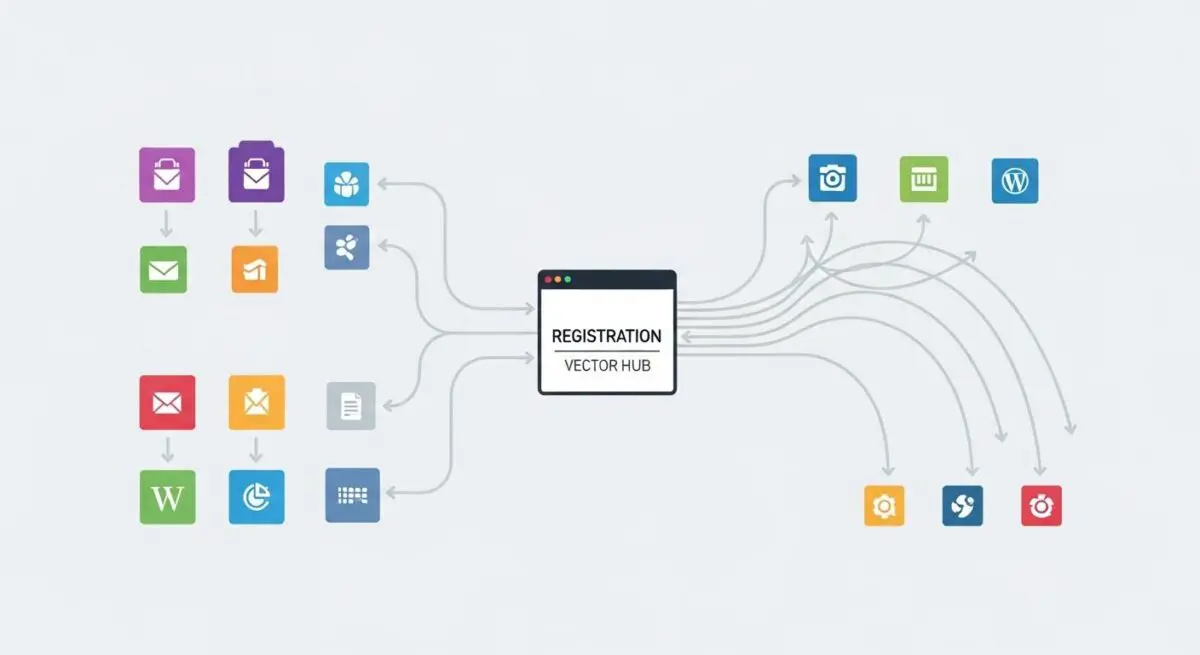
Block Patterns represent a fundamental shift in the WordPress Block Editor (Gutenberg) ecosystem, serving as a collection of pre-defined block layouts that can be inserted into pages or posts. From a technical perspective, a Block Pattern is a group of blocks saved as a single unit of code, typically registered via the register_block_pattern PHP function or through the automated /patterns directory in modern block themes. Unlike individual blocks, which serve as atomic units of content, patterns provide the molecular structure necessary for complex UI components like hero sections, pricing tables, or multi-column features.
In the context of WordPress CMS architecture, Block Patterns are distinct from Synced Patterns (formerly Reusable Blocks). When a standard Block Pattern is inserted into a document, its underlying HTML and block attributes are copied directly into the post content. This means that subsequent changes to the original pattern definition do not retroactively alter existing instances on the site. This behavior is critical for enterprise-level content workflows where design consistency is required at the point of creation, but content independence is necessary for historical data integrity. The registry for these patterns is managed by the WP_Block_Patterns_Registry class, which handles the storage and retrieval of pattern metadata including titles, descriptions, categories, and the raw block markup.
The Real-World Analogy
To understand Block Patterns, imagine a professional architectural firm using pre-fabricated modular room designs. If a developer is building a hotel, they don’t design every bathroom from scratch for every single room. Instead, they have a “Standard Bathroom Pattern” blueprint. When they apply this blueprint to Room 101, the walls, fixtures, and tiling are placed exactly according to the design. However, once the bathroom in Room 101 is built, the owner can decide to paint the walls blue without affecting the bathrooms in the rest of the hotel. The pattern provided the initial structural integrity and design speed, but the individual instance remains independent. This is exactly how Block Patterns allow WordPress users to deploy complex, high-fidelity layouts instantly while retaining the freedom to customize each specific instance without breaking the master template.
How Block Patterns Impacts Server Performance & Speed Engineering?
From a performance engineering standpoint, Block Patterns are significantly more efficient than traditional page builders or even certain implementations of Reusable Blocks. Because standard Block Patterns are stored within the theme’s filesystem (as .php or .json files) rather than the database, they do not require additional wp_posts queries during the rendering phase of the WordPress lifecycle. When a user opens the editor, WordPress scans the registered patterns; however, once a pattern is inserted, it becomes part of the post_content, meaning the server treats it as standard HTML/Block markup during front-end delivery.
Furthermore, Block Patterns contribute to Core Web Vitals optimization by encouraging the use of native WordPress blocks rather than heavy, third-party layout plugins. By reducing the dependency on external CSS and JavaScript libraries that typically accompany “drag-and-drop” builders, patterns allow for a much leaner Document Object Model (DOM). In high-traffic environments, leveraging the /patterns directory in a block theme allows for better opcode caching via tools like OPcache, as the pattern definitions are static files on the server. This architectural approach minimizes the PHP execution time required to assemble complex layouts, leading to faster Time to First Byte (TTFB) and improved overall server responsiveness.
Best Practices & Implementation
- Filesystem Registration: Always register patterns by placing them in the
/patternsfolder of your theme. This method, introduced in WordPress 6.0, automatically registers the patterns and is more performant than manual registration via theinithook. - Contextual Patterns: Use the
blockTypesproperty when registering a pattern to restrict its appearance to specific block types. This improves the user experience by only showing relevant patterns (e.g., a “Team Member” pattern appearing only when a user is working within a “Columns” block). - Asset Optimization: Ensure that any images or media included in the pattern markup are hosted on a Content Delivery Network (CDN) and utilize
srcsetattributes to maintain responsive image delivery and minimize Largest Contentful Paint (LCP) impact. - Semantic HTML: When designing pattern markup, use proper HTML5 semantic tags (like
<section>or<aside>) within the block attributes to ensure the resulting page structure is accessible and SEO-friendly.
Common Mistakes to Avoid
One frequent error is the over-reliance on Remote Patterns. While the WordPress Pattern Directory offers a vast library, pulling patterns dynamically from an external API can introduce latency in the editor and create dependencies on external uptime. It is better to bundle essential patterns locally within the theme. Another common mistake is failing to define viewportWidth in the pattern metadata. Without this, the editor’s preview may not accurately reflect the pattern’s intended scale, leading to a poor editorial experience and potential layout shifts when the content is published. Finally, developers often forget to internationalize the strings within their patterns; always use the __() translation functions for titles and descriptions to ensure the CMS remains accessible to multi-lingual teams.
Conclusion
Block Patterns are a cornerstone of modern WordPress architecture, providing a scalable, high-performance method for managing complex layouts. By shifting design logic from the database to the filesystem, they enable faster rendering and more robust enterprise content workflows.