Executive Summary
- Elementor utilizes a proprietary JSON-based schema stored in the wp_postmeta table to render visual layouts, bypassing the standard WordPress content filter.
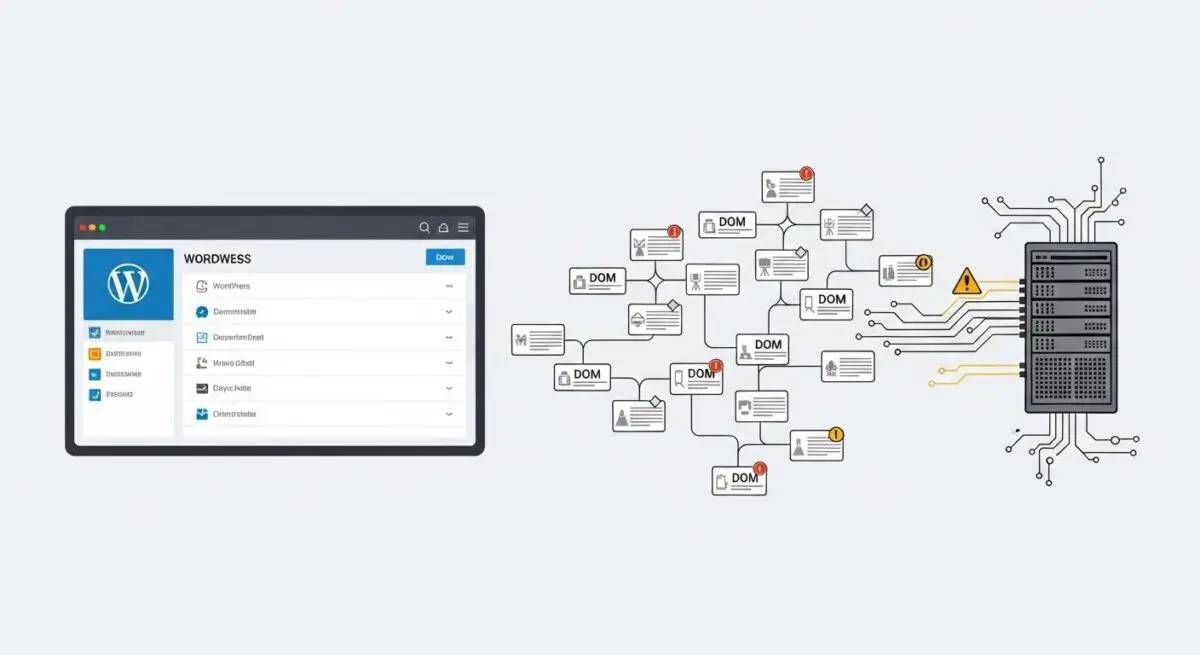
- The platform’s architecture can lead to significant DOM depth (divitis), which impacts browser rendering performance and Core Web Vitals if not optimized via Flexbox or Grid containers.
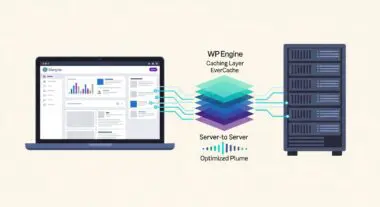
- Enterprise-level deployment requires strict asset management and server-side caching to mitigate the overhead of dynamic CSS generation and multiple script dependencies.
What is Elementor?
Elementor is a sophisticated visual site builder for WordPress that functions as a layer over the core CMS architecture. Unlike the native Block Editor (Gutenberg), which produces standard HTML blocks, Elementor operates using a proprietary engine that stores page layouts as serialized data in the wp_postmeta database table. When a page is requested, Elementor’s engine dynamically parses this JSON data to generate the front-end HTML, CSS, and JavaScript required to render the design.
From a technical standpoint, Elementor is an abstraction of the WordPress The Loop. It allows developers to build complex, responsive layouts without manual PHP template coding. However, this abstraction introduces a specific execution flow where the plugin must hook into the template_include filter to override default theme behavior, necessitating a high-performance hosting environment to handle the additional computational overhead during the server-side rendering process.
The Real-World Analogy
Think of Elementor as a high-end, modular prefabricated home kit. Instead of hiring a mason to lay every individual brick (writing raw HTML and CSS), you are provided with pre-assembled walls, windows, and rooms (widgets and sections). While this allows you to construct a complex mansion in a fraction of the time, the house is inherently heavier because every modular piece comes with its own structural framing and connectors. If you stack too many modules inside one another, the foundation (your server) has to work harder to support the weight, and it takes longer for guests (browsers) to walk through the front door.
How Elementor Impacts Server Performance & Speed Engineering?
Elementor’s impact on performance is primarily centered on DOM (Document Object Model) depth and asset delivery. Because each widget is wrapped in multiple container layers to ensure responsive styling, a poorly optimized Elementor page can easily exceed 1,500 DOM nodes, leading to excessive memory usage in the visitor’s browser. This directly affects Total Blocking Time (TBT) and Interaction to Next Paint (INP).
Furthermore, Elementor generates dynamic CSS files for every page. If the server’s file system is slow or if there are permissions conflicts, this can lead to render-blocking issues. On the server side, the reliance on metadata queries means that as a site scales, the wp_postmeta table grows exponentially. Without an efficient Object Cache (like Redis or Memcached), the database can become a bottleneck, increasing the Time to First Byte (TTFB) as the server struggles to assemble the page data before sending it to the client.
Best Practices & Implementation
- Enable Optimized DOM Output: Always activate the “Optimized DOM Output” and “Improved Asset Loading” features within Elementor’s settings to reduce unnecessary wrapper tags and load only the required JS libraries.
- Transition to Containers: Replace legacy Section/Column structures with Flexbox or Grid Containers to significantly flatten the HTML structure and improve rendering speed.
- Implement Server-Side Object Caching: Use Redis to cache database query results for post metadata, reducing the load on the MySQL engine during page assembly.
- Global Style Governance: Define global fonts and colors within the Elementor Site Settings to prevent the generation of redundant inline CSS for individual widgets.
- Selective Asset Loading: Use a performance plugin or custom functions to dequeue Elementor scripts on pages where the builder is not actively in use.
Common Mistakes to Avoid
A frequent error is “over-nesting,” where developers place columns inside columns inside sections, creating a massive DOM tree that degrades mobile performance. Another critical mistake is failing to regenerate the CSS library after migrating between environments (e.g., from Staging to Production), which can result in broken layouts or 404 errors on CSS files. Finally, many brands install multiple third-party Elementor addon plugins, which inject dozens of unoptimized CSS and JS files, negating any server-level optimizations.
Conclusion
Elementor is a powerful architectural tool for rapid WordPress development, but it requires a disciplined approach to DOM management and server-side caching to maintain enterprise-grade performance. When properly configured on high-performance infrastructure, it balances design flexibility with technical efficiency.