Executive Summary
- Exclusive hardware resource allocation eliminates the ‘noisy neighbor’ effect, providing consistent CPU and RAM availability for high-traffic WordPress environments.
- Full root access enables kernel-level optimizations, custom PHP-FPM configurations, and advanced server-side caching layers like Redis and Varnish.
- Physical isolation enhances the security posture by mitigating cross-site contamination risks and allowing for bespoke hardware firewall integrations.
What is Dedicated Server?
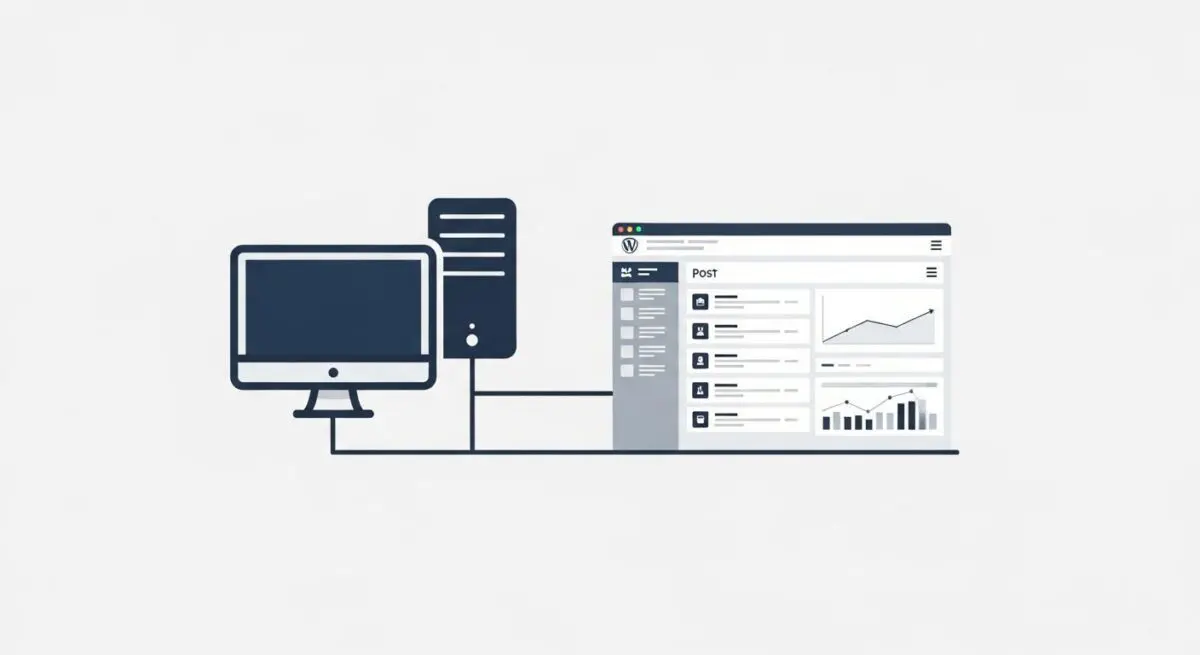
A dedicated server is a physical hosting environment where an entire machine’s hardware resources—including the Central Processing Unit (CPU), Random Access Memory (RAM), and NVMe or SSD storage—are allocated exclusively to a single tenant. Unlike shared hosting or Virtual Private Servers (VPS), where resources are partitioned or oversubscribed among multiple users, a dedicated server provides a single-tenant architecture that ensures zero resource contention. For enterprise WordPress deployments, this means the PHP processing power and database I/O are never throttled by the activities of other websites.
In the context of WordPress CMS engineering, a dedicated server allows for deep-stack customization. We at Andres SEO Expert utilize this infrastructure to implement specific server-side binaries and optimizations that are often restricted in multi-tenant environments. This includes fine-tuning the operating system kernel, optimizing the MySQL/MariaDB configuration for specific query patterns, and deploying high-performance web servers like Nginx or LiteSpeed with custom modules designed for high-concurrency WordPress workloads.
The Real-World Analogy
Imagine the difference between living in a large apartment complex and owning a private, custom-built estate. In an apartment (Shared Hosting), you share the plumbing, electricity, and hallways; if a neighbor leaves a tap running and causes a flood, your unit is affected. In a private estate (Dedicated Server), you own the entire plot of land and the infrastructure. You can upgrade the electrical grid to support a high-powered workshop, install a specialized security system, and ensure that no one else’s behavior impacts your utilities or privacy. You have total control over every pipe, wire, and gate on the property.
How Dedicated Server Impacts Server Performance & Speed Engineering?
The primary impact of a dedicated server on WordPress performance is the drastic reduction in Time to First Byte (TTFB). Because the CPU is not context-switching between thousands of different user processes, the execution of PHP scripts—the core of WordPress rendering—happens with minimal latency. This is critical for complex themes and plugins that require significant server-side computation. Furthermore, dedicated hardware allows for the implementation of large-scale Object Caching. By allocating massive amounts of dedicated RAM to Redis or Memcached, we can store the results of expensive database queries in memory, virtually eliminating database bottlenecks during traffic surges.
From a speed engineering perspective, dedicated servers facilitate advanced stack optimizations such as Brotli compression, HTTP/3 (QUIC) protocol implementation, and custom TLS handshaking. These low-level adjustments reduce the round-trip time (RTT) between the server and the browser. Additionally, the absence of a hypervisor layer—which is present in virtualized environments—removes the ‘virtualization tax,’ allowing the WordPress application to communicate directly with the hardware for maximum I/O throughput.
Best Practices & Implementation
- Optimize PHP-FPM Process Manager: Configure the pm.max_children and pm.start_servers settings based on the total available RAM to ensure the server can handle concurrent PHP requests without exhausting memory.
- Implement Hardware RAID: Utilize RAID 1 or RAID 10 configurations with NVMe drives to ensure data redundancy and increase disk read/write speeds, which is vital for WordPress database performance.
- Server-Level Caching: Deploy a reverse proxy cache like Varnish or Nginx FastCGI Cache to serve static versions of dynamic WordPress pages directly from memory.
- Hardened Security Configuration: Disable unnecessary services and ports, implement a robust Web Application Firewall (WAF) at the server level, and use Fail2Ban to mitigate brute-force attacks on the SSH and WP-Admin ports.
Common Mistakes to Avoid
One frequent error is the ‘set it and forget it’ mentality; unmanaged dedicated servers require proactive kernel updates and security patching to prevent vulnerabilities. Another mistake is over-provisioning hardware without optimizing the software stack; a powerful server will still perform poorly if the WordPress database is bloated or if PHP-FPM is misconfigured. Finally, many brands fail to implement a redundant backup strategy, assuming that hardware reliability replaces the need for off-site data backups.
Conclusion
A dedicated server represents the pinnacle of WordPress hosting infrastructure, offering unparalleled resource isolation and technical flexibility. For enterprise-scale sites, it is the foundational requirement for achieving elite Core Web Vitals and maintaining high-availability under heavy load.