Key Points
- Schema Structure: Google’s Rendering Engine requires precise JSON-LD nesting (Event > Place > PostalAddress) to validate physical locations.
- Attendance Mode: Virtual events must explicitly declare an OnlineEventAttendanceMode to bypass physical address validation requirements.
- Cache Invalidation: Stale object caches in Redis or Memcached frequently serve deprecated JSON-LD payloads despite database updates.
Table of Contents
The Core Conflict
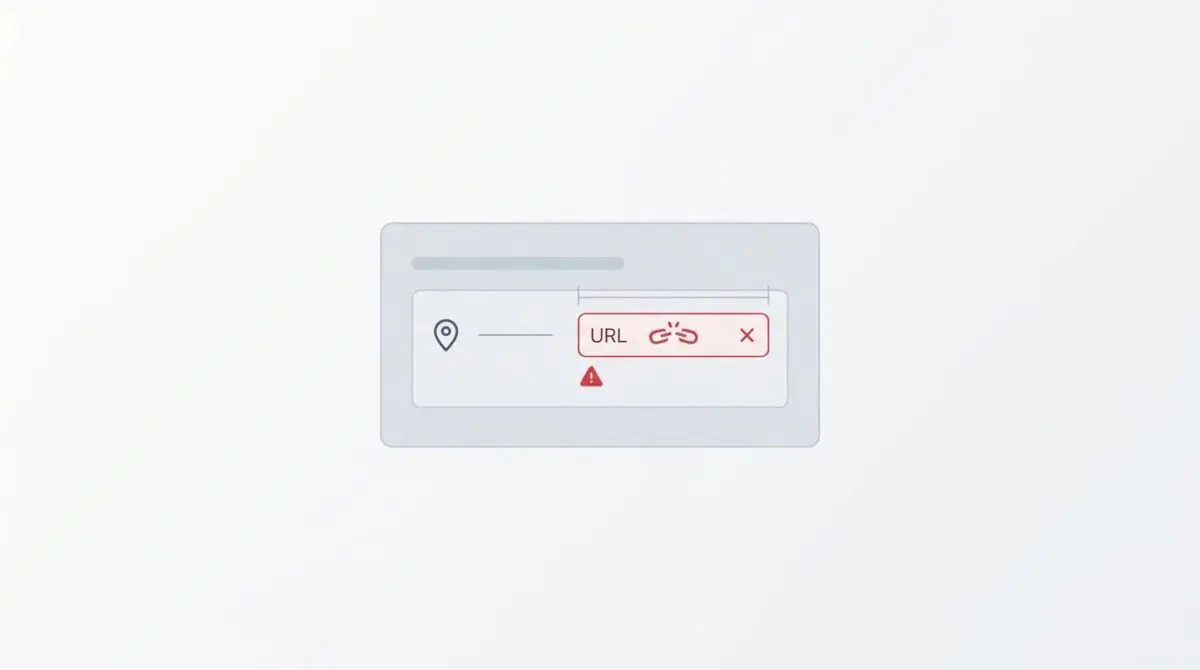
According to Google Search Central documentation, structured data errors such as missing location properties in Events result in a total loss of eligibility for the interactive Event Rich Result, which typically sees a significantly higher CTR than standard blue links. The Event.location Property Validation error occurs when structured data for an Event entity fails to provide a valid Place object containing a physical address. Google’s Search Engine Protocol requires specific nesting to verify the geographical authenticity of an event. This verification is critical for local search indexing and inclusion in the Events rich result carousel.
From a Generative Engine Optimization perspective, a lack of physical location data prevents Large Language Models from anchoring the event to a specific knowledge graph entity. This significantly reduces the probability of the event being cited in location-aware AI responses. Technically, this issue arises when the location field is populated with a URL or a string instead of a structured Schema object.
This misconfiguration leads to a degradation in Crawl Budget efficiency. Googlebot must repeatedly re-process the page’s Document Object Model to find missing context that the structured data failed to provide. For modern search architecture, this metadata serves as a trust signal. Without a verifiable physical location, Google treats the entity as incomplete, disqualifying the URL from appearing in high-intent local search queries.
Diagnostic Checkpoints
This error typically manifests as a desynchronization within the server stack or application layer. Google Search Console will flag the issue with warnings indicating missing fields or invalid object types.
Diagnostic Checkpoints
Virtual Event Attendance Mode Conflict
Explicitly define eventAttendanceMode to avoid validation rejection.
Incomplete Schema Mapping in SEO Plugins
Map location to Place object instead of URL string.
JSON-LD Object Nesting Failure
Output nested Place object rather than flat URL strings.
Database Transient Corruption
Clear stale Redis or transient schema data caches.
Root Cause Analysis
At the WordPress or plugin layer, conflicts often occur when virtual event toggles fail to update the underlying JSON-LD schema dynamically. Many SEO frameworks map the location property to a custom field that only contains a URL. This violates the Schema.org specification which defines location as a complex union type. Google specifically enforces the Place object requirement for rich results.
Server-side renderers frequently fail to output the nested Place type inside the location key. Instead, they output a flat string or a direct URL. This causes a type-mismatch error during the parsing phase of the Google Rendering Engine.
Furthermore, persistent object caching systems like Redis or Memcached can introduce database transient corruption. They may store a stale version of the Schema markup that lacks the address fields. This happens even after the user updates the event in the WordPress admin dashboard.
The Engineering Resolution
Resolving this schema validation failure requires precise structural adjustments to your JSON-LD payloads. You must align the application output with Google’s strict parsing expectations.
Engineering Resolution Roadmap
Define Event Attendance Mode
Update your Event structured data to include ‘eventAttendanceMode’. For physical events, use ‘https://schema.org/OfflineEventAttendanceMode’. For webinars, use ‘https://schema.org/OnlineEventAttendanceMode’.
Structure the Location Object
Modify the JSON-LD output to ensure ‘location’ contains a ‘@type’: ‘Place’. Inside ‘Place’, nesting a ‘name’ and an ‘address’ (as a ‘PostalAddress’ type) is mandatory for validation.
Map Custom Fields to PostalAddress
Ensure your WordPress event fields (Street, City, Zip) are mapped to: streetAddress, addressLocality, and postalCode respectively within the JSON-LD script.
Flush Edge and Object Cache
Purge the Cloudflare cache and clear the WordPress Object Cache (Redis) to ensure Googlebot fetches the updated JSON-LD schema on the next crawl.
The first critical step is explicitly defining the event attendance mode. If an event is entirely online, the schema must reflect this to bypass the physical location requirement. You can reference the Schema.org eventAttendanceMode property to understand the exact syntax required for hybrid, offline, or online events.
For physical events, the location object must be completely restructured. It cannot remain a flat string or URL. You must nest a PostalAddress object within a Place object to satisfy the validator.
Finally, clearing the edge and object cache is mandatory. If you deploy a fix but Cloudflare or Redis continues serving the old JSON blob, Googlebot will repeatedly encounter the same validation error during its next crawl phase.
Resolution Execution Code
To implement the fix, you must intercept the JSON-LD generation at the theme or plugin level. Ensure your output matches the strict nesting requirements for both physical and virtual parameters. Review the Google Event Schema Markup requirements to confirm all mandatory nodes are present.
Below is the validated JSON-LD payload structure. Notice how the location node is explicitly cast as a Place, and the address is nested as a PostalAddress.
{
  "@context": "https://schema.org",
  "@type": "Event",
  "name": "Technical SEO Summit",
  "startDate": "2024-10-21T09:00",
  "eventAttendanceMode": "https://schema.org/OfflineEventAttendanceMode",
  "location": {
    "@type": "Place",
    "name": "Tech Hub Central",
    "address": {
      "@type": "PostalAddress",
      "streetAddress": "123 Server Lane",
      "addressLocality": "San Francisco",
      "postalCode": "94105",
      "addressRegion": "CA",
      "addressCountry": "US"
    }
  }
}
Validation Protocol & Edge Cases
Once the code is deployed and caches are purged, you must verify the integrity of the new JSON-LD payload. Relying solely on the Search Console dashboard is inefficient due to processing delays.
Validation Protocol
- Run the URL through the Google Rich Results Test to confirm the ‘Event’ item is valid.
- Use ‘curl -I’ to verify the ‘X-Cache’ header shows a ‘MISS’ or ‘EXPIRED’ for fresh data.
- Use the GSC ‘URL Inspection’ tool and click ‘Live Test’ to see real-time JSON-LD rendering.
Always run the updated URL through the Google Rich Results Test tool to confirm the syntax is pristine. You should see a green validation checkmark for the Event entity. If the tool still flags the location field, you may be dealing with a caching edge case.
A common edge case involves a Cloudflare Page Rule or Edge Worker configured to strip metadata or minify HTML. These aggressive optimization rules can inadvertently remove the PostalAddress tag from the JSON-LD blob. This leaves Google with an uninterpretable string despite the origin server sending the correct code.
Autonomous Monitoring & Prevention
Preventing schema regressions requires proactive, automated monitoring at the server level. Relying on manual checks is unsustainable for enterprise environments with dynamic event generation.
Implement a Google Search Console API monitoring script that checks for critical status errors daily. You should also integrate a continuous integration pipeline step to validate JSON-LD against the Schema.org library before deploying any theme changes.
Regularly auditing server logs for 429 errors from Googlebot is also highly recommended. These HTTP status codes often indicate inefficient rendering caused by persistent schema errors. Establishing robust CI/CD validation protocols and advanced log analysis ensures entity integrity remains intact. Andres SEO Expert specializes in deploying these enterprise-grade automation pipelines.
Conclusion
Resolving the Event.location property validation error is a straightforward engineering task once the structural requirements of the Google Rendering Engine are understood. By properly nesting Place and PostalAddress objects, and explicitly defining attendance modes, you restore full rich result eligibility and protect your crawl budget.
Navigating the intersection of technical SEO, server architecture, and generative search requires a precise roadmap. If you need to future-proof your enterprise stack, resolve deep-level crawl anomalies, or implement AI-driven SEO automation, connect with Andres at Andres SEO Expert.