Executive Summary
- MX (Mail Exchanger) records are DNS resource records that map a domain name to a list of message transfer agents (MTAs) responsible for that domain.
- Priority values within MX records dictate the order of delivery attempts, ensuring high availability and failover redundancy for enterprise communication.
- Proper MX configuration is vital for WordPress environments to prevent IP blacklisting and ensure reliable transactional email delivery via third-party SMTP.
What is MX Record?
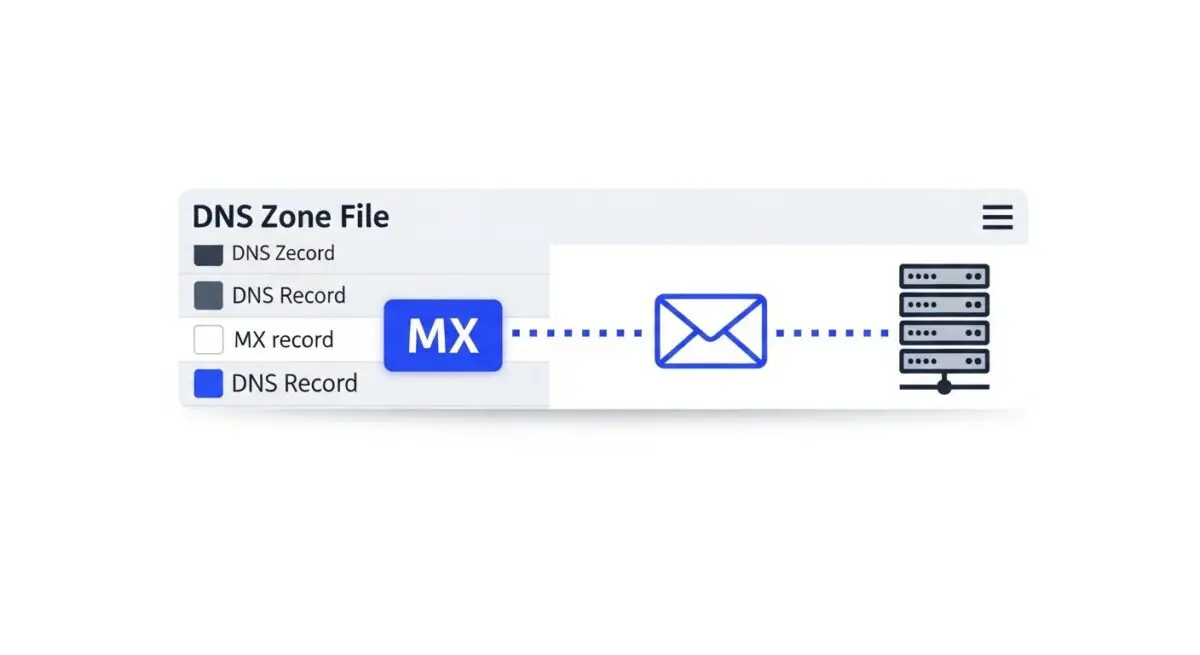
A Mail Exchanger (MX) record is a fundamental component of the Domain Name System (DNS) that specifies the mail server responsible for accepting email messages on behalf of a domain name. It functions as a routing instruction for the Simple Mail Transfer Protocol (SMTP), directing inbound traffic to the correct Message Transfer Agent (MTA). Unlike A records, which map a hostname to an IPv4 address, MX records must point to a Fully Qualified Domain Name (FQDN) of a host that is configured to process mail.
In complex WordPress ecosystems, MX records are critical for decoupling web traffic from communication traffic. Each MX record includes a preference or priority value; the lower the numerical value, the higher the priority. This hierarchical structure allows system architects to design redundant mail delivery systems where secondary servers take over if the primary MTA is unreachable, ensuring high availability for enterprise-level communications.
The Real-World Analogy
Imagine your domain is a large corporate headquarters. While the A Record is the physical street address that leads visitors to the front lobby (your website), the MX Record is the specific instruction for the postal service. It tells the mail carrier, “Do not bring letters to the front desk; instead, deliver all packages to the specialized sorting facility at the loading dock on the other side of town.” If that loading dock is busy, the MX record provides a backup address for a secondary sorting facility, ensuring your mail is never lost even if one location is temporarily closed.
How MX Record Impacts Server Performance & Speed Engineering?
While MX records do not directly dictate the rendering speed of a WordPress front-end, their configuration significantly influences server resource allocation and IP reputation. Hosting both web and mail services on a single origin server creates resource contention. Mail processing—especially spam filtering and virus scanning—is CPU and I/O intensive. By utilizing MX records to offload mail services to specialized providers like Google Workspace or Microsoft 365, developers free up server resources for PHP processing and database queries, leading to improved Time to First Byte (TTFB).
Furthermore, from a security and deliverability standpoint, separating mail via MX records protects the web server’s IP address. If a WordPress site is compromised and used to send outbound spam, the web server’s IP may be blacklisted. By routing inbound mail through dedicated MX records and outbound mail through authenticated SMTP relays, architects ensure that the core hosting infrastructure remains performant and isolated from mail-related delivery failures or security blacklisting.
Best Practices & Implementation
- Point to FQDNs Only: Always point MX records to a domain name (e.g., mail.example.com) rather than a raw IP address to remain compliant with RFC 1035 standards.
- Implement Redundancy: Configure at least two MX records with different priority levels (e.g., 10 and 20) to provide failover capabilities if the primary mail server experiences downtime.
- Optimize TTL Settings: Set a higher Time to Live (TTL) for stable mail configurations to reduce DNS lookup overhead, but lower it to 300 seconds 24 hours before a planned mail server migration.
- Decouple from Web Hosting: Utilize third-party mail exchangers to prevent local mail processing from consuming web server RAM and CPU cycles.
Common Mistakes to Avoid
One frequent error is the CNAME Flattening conflict, where a CNAME record is placed at the root domain, which can inadvertently break MX record lookups according to DNS specifications. Another critical mistake is failing to update SPF and DKIM records when changing MX records; without these accompanying TXT records, legitimate mail routed via the new MX server may be flagged as spam. Finally, many administrators neglect to remove old, stale MX records after a migration, leading to intermittent “split-brain” delivery issues where some emails reach the new server while others are lost in the legacy system.
Conclusion
MX records are essential for the structural integrity of a domain’s communication layer, enabling the separation of mail and web services. Proper configuration ensures high availability, protects server reputation, and optimizes resource allocation for high-performance WordPress hosting environments.