Executive Summary
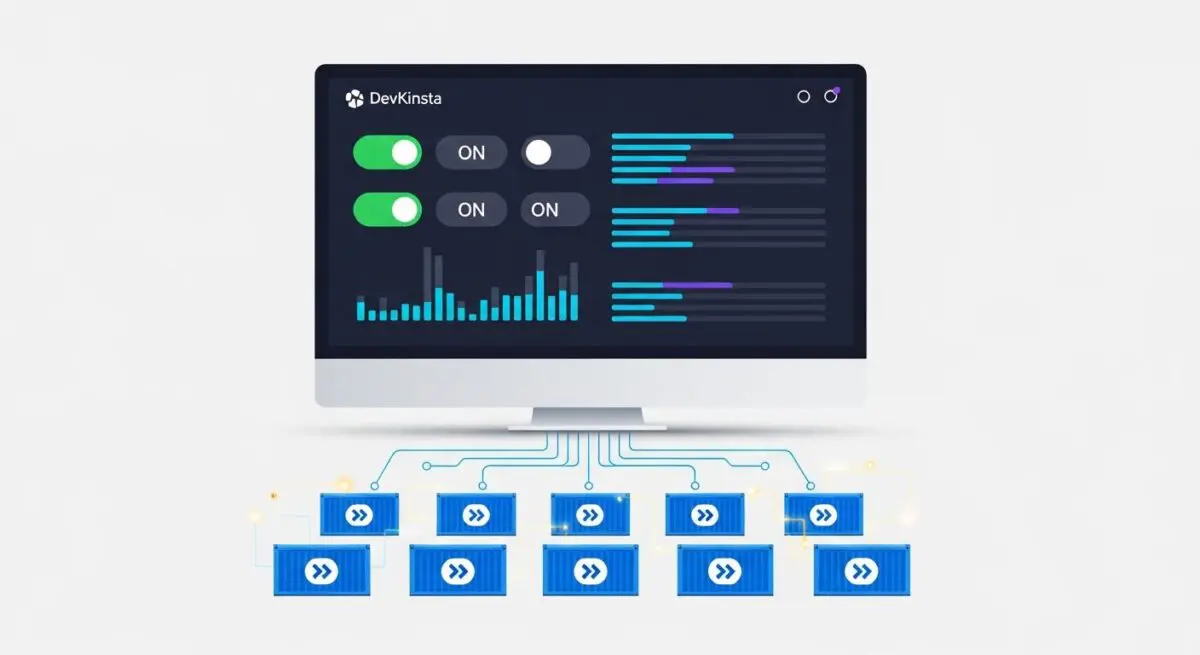
- DevKinsta is a Docker-based local development suite designed to provide high-fidelity environment parity between local workstations and managed WordPress hosting infrastructures.
- The platform utilizes containerization to isolate Nginx, PHP, and MariaDB services, facilitating rapid debugging and performance profiling without network latency.
- Seamless integration with Kinsta’s staging and production environments allows for automated push/pull workflows, reducing deployment risks and configuration drift.
What is DevKinsta?
DevKinsta is a comprehensive local development suite engineered by Kinsta to streamline the creation, testing, and deployment of WordPress sites. Built upon a robust Docker-based architecture, it provides a virtualized environment that encapsulates the entire LEMP (Linux, Nginx, MySQL/MariaDB, PHP) stack. This containerized approach ensures that the local development environment remains isolated from the host operating system, preventing dependency conflicts and ensuring consistent performance across different hardware configurations.
For enterprise WordPress architects, DevKinsta serves as a local staging ground that mirrors the server-side configurations of high-performance managed hosting. It includes integrated tools such as Adminer for database management, MailHog for SMTP testing, and a built-in SSL management system. By leveraging Docker, DevKinsta allows developers to toggle between various PHP versions and manage multiple site instances with minimal overhead, facilitating a more agile development lifecycle.
The Real-World Analogy
Think of DevKinsta as a high-fidelity flight simulator used by aerospace engineers. Before a pilot takes a multi-million dollar aircraft into the sky, they practice in a simulator that perfectly replicates the cockpit’s controls, physics, and environmental variables. DevKinsta provides this “simulator” for web developers; it allows you to build and test complex site architectures in a safe, local environment that behaves exactly like the live server. If a “crash” occurs during a plugin update or a code deployment, it happens in the simulator, not while the actual “plane” (your live business site) is carrying passengers.
How DevKinsta Impacts Server Performance & Speed Engineering?
DevKinsta significantly enhances speed engineering by eliminating the network latency inherent in remote staging environments. Developers can perform Xdebug profiling and database optimization locally, identifying bottlenecks in PHP execution or slow SQL queries with millisecond precision. Because the environment is containerized, it allows for the testing of resource-intensive operations—such as bulk image optimization or complex search index rebuilding—without consuming production server credits or impacting live site performance.
Furthermore, DevKinsta facilitates Environment Parity. By matching the PHP version, Nginx configuration, and MariaDB version of the production server, developers can ensure that code performance benchmarks recorded locally will translate accurately to the live environment. This reduces the “it works on my machine” syndrome, where unoptimized code passes local tests but fails under the specific constraints of the production server’s architecture.
Best Practices & Implementation
- Resource Allocation: Configure Docker Desktop to allocate sufficient CPU and RAM (typically 4GB+ for enterprise sites) to ensure the local Nginx and MariaDB containers perform at production-equivalent speeds.
- Version Synchronization: Always match the local PHP version in DevKinsta to the specific version running on your production server to avoid syntax errors or deprecated function issues during deployment.
- Database Sanitization: When pulling production data to DevKinsta, use the built-in search and replace tools to ensure all URLs are correctly mapped to the .local domain, maintaining internal link integrity.
- SMTP Testing: Utilize the integrated MailHog interface to intercept and inspect all outgoing transactional emails, ensuring that headers and HTML templates render correctly before live transmission.
Common Mistakes to Avoid
One frequent error is neglecting to update the DevKinsta application and its underlying Docker containers, which can lead to security vulnerabilities or compatibility issues with newer WordPress core versions. Another mistake is failing to account for server-side caching layers (like Object Cache or CDN) that exist in production but are absent in the local environment, potentially masking performance issues that only appear after deployment.
Conclusion
DevKinsta is an essential tool for modern WordPress engineering, providing a containerized bridge between local development and enterprise-grade hosting. By ensuring environment parity and enabling local performance profiling, it minimizes deployment risks and optimizes the development workflow.