Executive Summary
- Pantheon utilizes a container-based infrastructure (LXD) rather than traditional virtual machines, ensuring isolated resource allocation and horizontal scalability.
- The platform enforces a strict WebOps workflow with immutable code across Dev, Test, and Live environments to prevent deployment regressions.
- Integrated performance layers, including Varnish-based Edge caching and Redis object caching, are natively optimized for the WordPress core.
What is Pantheon?
Pantheon is a high-performance WebOps (Website Operations) platform specifically engineered for WordPress and Drupal. Unlike traditional managed WordPress hosting that relies on Virtual Private Servers (VPS) or shared server environments, Pantheon utilizes a container-based architecture. This infrastructure is built on top of Google Cloud Platform and leverages Linux containers (LXD) to provide each site with its own isolated environment. This ensures that system resources such as CPU, memory, and I/O are dedicated to the specific WordPress instance, eliminating the performance degradation commonly associated with ‘noisy neighbor’ issues in multi-tenant environments.
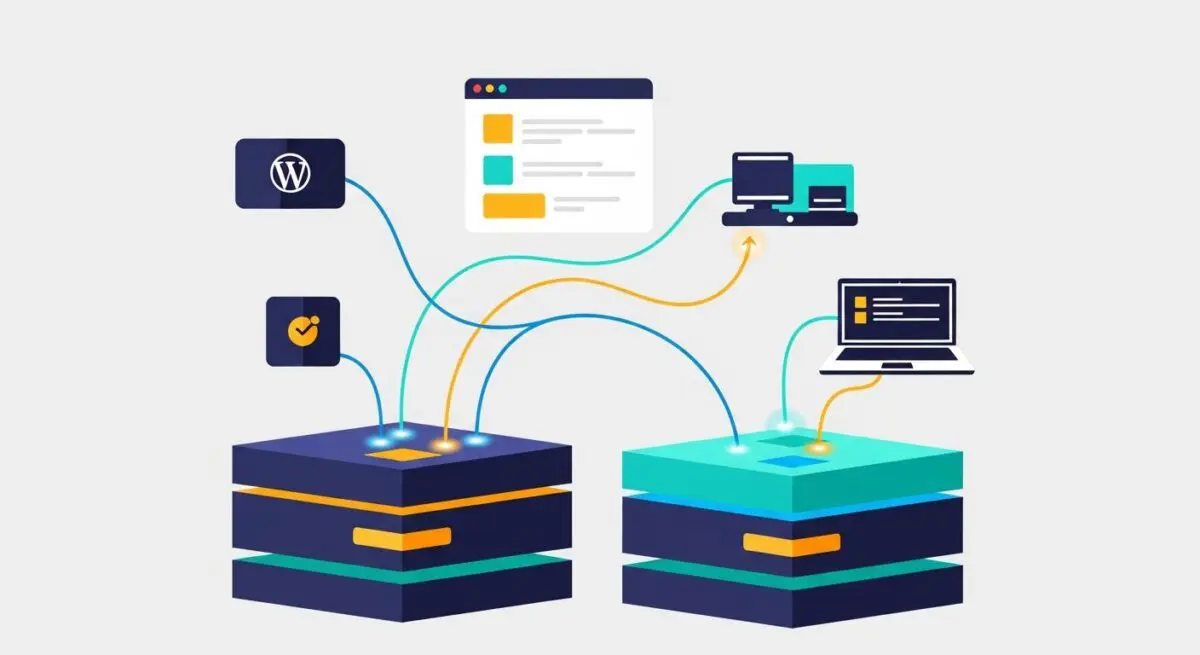
From a technical standpoint, Pantheon functions as a Platform-as-a-Service (PaaS). It abstracts the complexities of server management, such as OS patching, PHP updates, and database tuning, while providing developers with a sophisticated toolset for version control and deployment. The platform is characterized by its ‘Diamond’ architecture, which separates the application layer, the database layer, and the filesystem. This decoupling allows each component to scale independently, providing high availability and fault tolerance for enterprise-level WordPress deployments. Furthermore, Pantheon integrates a global Content Delivery Network (CDN) and advanced caching mechanisms directly into its core offering, rather than as third-party add-ons.
The Real-World Analogy
To understand Pantheon, imagine a high-tech modular car manufacturing facility. In a traditional hosting environment, you are renting space in a large, crowded garage where mechanics work on multiple cars simultaneously, often sharing tools and floor space. If one mechanic spills oil or takes up too much room, every other car’s progress slows down. Pantheon, however, provides you with a private, automated assembly pod. Inside this pod, everything is perfectly calibrated for your specific vehicle. Before your car ever reaches the public highway (the Live environment), it must pass through a dedicated testing track (the Test environment) and a design studio (the Dev environment). The tools are always in the same place, the robots are dedicated only to your car, and the entire process is governed by a master computer that ensures every bolt is tightened to the exact same specification every single time.
How Pantheon Impacts Server Performance & Speed Engineering?
Pantheon significantly impacts WordPress performance through its multi-layered caching and containerized execution. At the edge, Pantheon employs a Global CDN powered by Fastly, which includes a sophisticated Varnish-based caching layer. This allows the platform to serve static and cached dynamic content from locations geographically closer to the end-user, drastically reducing Time to First Byte (TTFB). Because this is integrated at the platform level, cache invalidation is handled automatically via the Pantheon Integrated Delivery Network, ensuring that content updates are reflected globally in near real-time without the overhead of complex plugin configurations.
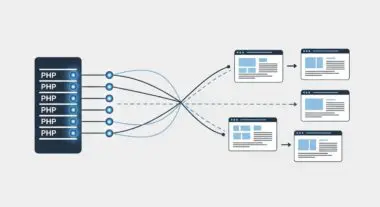
On the server side, the use of PHP-FPM in isolated containers ensures that PHP execution is highly efficient. Pantheon also provides native support for Redis, an in-memory data structure store used as a persistent object cache. By offloading database queries to Redis, WordPress can retrieve frequently accessed data—such as options, transients, and metadata—much faster than querying the MySQL database. This reduces the load on the database layer and accelerates page generation times. Additionally, Pantheon’s filesystem, known as Valhalla, is a distributed network filesystem designed for high-concurrency environments. It ensures that media assets and uploads are served efficiently across multiple application containers, preventing the filesystem from becoming a bottleneck during traffic spikes.
Best Practices & Implementation
- Adopt the Git-Based Workflow: Always treat the Dev environment as the entry point for code changes. Use Git to manage version control and push changes through the Dev-Test-Live pipeline to ensure code integrity and easy rollbacks.
- Leverage Terminus and Quicksilver: Utilize Pantheon’s command-line interface, Terminus, to automate administrative tasks. Implement Quicksilver hooks to trigger automated testing, Slack notifications, or cache clearing during the deployment process.
- Optimize with Redis: Enable the Redis add-on and install the Pantheon MU-plugin to offload expensive database queries. This is critical for high-traffic sites or those with complex dynamic content requirements.
- Use Environment-Specific Configurations: Avoid hardcoding sensitive data or environment-specific URLs in the database or wp-config.php. Instead, use the
$_ENVsuperglobal or Pantheon-specific constants to handle configuration dynamically across different environments.
Common Mistakes to Avoid
One frequent error is attempting to perform manual core updates or plugin installations directly on the Live environment via the WordPress dashboard. Pantheon’s filesystem is intentionally read-only on the Live and Test environments to maintain security and consistency; all code changes must be deployed from the Dev environment. Another common mistake is neglecting the use of the Integrated CDN for media optimization. Developers often install heavy third-party image optimization plugins that consume server resources, unaware that Pantheon’s edge layer can handle many of these tasks more efficiently. Finally, failing to monitor the ‘New Relic’ integration provided by Pantheon can lead to undiagnosed performance bottlenecks in custom themes or plugins that could have been easily identified through transaction tracing.
Conclusion
Pantheon represents a paradigm shift in WordPress hosting by prioritizing WebOps and containerized stability over traditional server management. By leveraging its integrated caching, automated workflows, and isolated resource allocation, organizations can ensure their WordPress architecture is both performant and resilient at scale.