Executive Summary
- Symbolic links (symlinks) function as advanced file system pointers, allowing WordPress developers to reference files or directories across different physical locations without data duplication.
- They are foundational for high-availability architectures and atomic deployment workflows, enabling instantaneous version switching by updating a single pointer.
- Security protocols must be strictly enforced, as misconfigured symlink following can expose sensitive system files to unauthorized directory traversal.
What is a Symbolic Link?
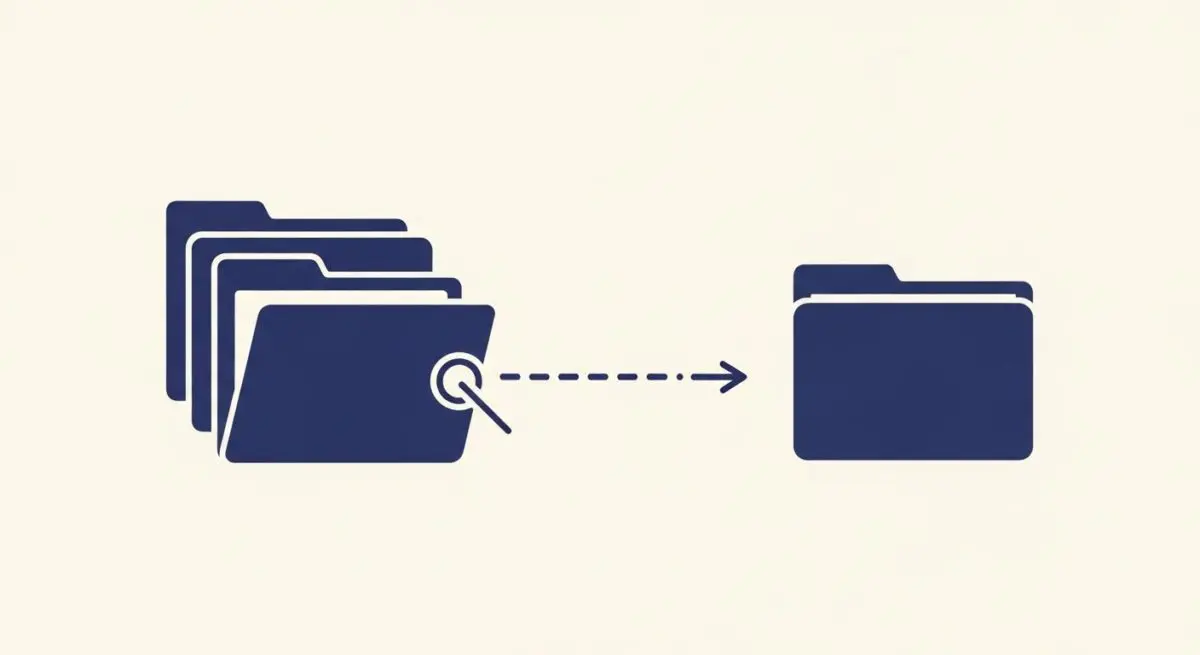
A Symbolic Link, commonly referred to as a symlink, is a specific type of file system object that serves as a reference or pointer to another file or directory. Unlike a hard link, which points directly to the inode (the physical data on the disk), a symlink contains the path to the target object. In the context of WordPress architecture, symlinks are frequently utilized to map the wp-content directory to external storage or to manage plugin and theme development environments without altering the core WordPress directory structure.
In enterprise-grade managed WordPress hosting, symlinks play a critical role in versioning and deployment. By utilizing symlinks, system administrators can maintain multiple versions of a site on a single server. When a new update is ready, the web server’s root directory pointer is updated to the new version’s symlink, facilitating an atomic deployment that minimizes downtime and provides an immediate rollback mechanism if errors occur.
The Real-World Analogy
Imagine a massive library where a specific, rare book is kept in a high-security vault. Instead of moving that heavy book every time someone wants to see it, the librarian places a small index card on various shelves throughout the library. This card doesn’t contain the book itself, but it provides the exact coordinates and a direct path to where the book is stored. When you follow the instructions on the card, you are instantly directed to the original source. In this scenario, the index card is the symbolic link, and the vault is the original file location.
How Symbolic Link Impacts Server Performance & Speed Engineering?
Symbolic links significantly enhance server-side efficiency by optimizing resource allocation and deployment speed. In high-performance WordPress environments, symlinks allow for the separation of static assets from the application core. This separation enables more efficient caching strategies at the server level, as the web server (such as Nginx or Apache) can be configured to handle symlinked static directories with specific headers, reducing the overhead on the PHP engine.
Furthermore, symlinks are essential for Atomic Deployments. Traditional file transfers via FTP can lead to “partial states” where some files are updated while others are not, causing site crashes. With symlinks, the entire file structure is prepared in a separate directory, and the “live” link is swapped in milliseconds. This ensures that the server response time remains consistent during updates and prevents the execution of mismatched PHP files, which is vital for maintaining high Core Web Vitals and a seamless user experience.
Best Practices & Implementation
- Configure Web Server Permissions: Ensure that your web server (Nginx or Apache) is explicitly configured to follow symbolic links using directives like
Options +FollowSymLinksordisable_symlinks offto prevent 403 Forbidden errors. - Use Absolute Paths: When creating symlinks via the command line (
ln -s), always use absolute paths rather than relative paths to avoid broken links when the working directory changes. - Secure Symlink Following: To mitigate security risks, implement
SymLinksIfOwnerMatchin Apache environments to ensure the link and the target share the same owner, preventing directory traversal attacks. - Automate Deployment Swaps: Utilize CI/CD pipelines to automate the updating of symlinks during deployments, ensuring that the transition between staging and production is instantaneous and error-free.
Common Mistakes to Avoid
One frequent error is the creation of Circular References, where a symlink points to a directory that eventually points back to the original link, causing infinite loops that can crash server processes. Another common mistake is neglecting file permissions; if the target file has more restrictive permissions than the symlink, the web server will fail to serve the content, leading to broken assets or 500 Internal Server Errors.
Conclusion
Symbolic links are indispensable tools for modern WordPress architecture, providing the flexibility required for atomic deployments and efficient resource management. When implemented with strict security protocols, they ensure a high-performance, scalable hosting environment.