Executive Summary
- WP-Cron is a pseudo-cron system that executes scheduled tasks only when a page is requested, rather than at fixed intervals.
- High-traffic environments can suffer from race conditions and resource exhaustion due to frequent wp-cron.php executions.
- Transitioning to a server-level system cron job is the industry standard for optimizing performance and ensuring task reliability.
What is WP-Cron?
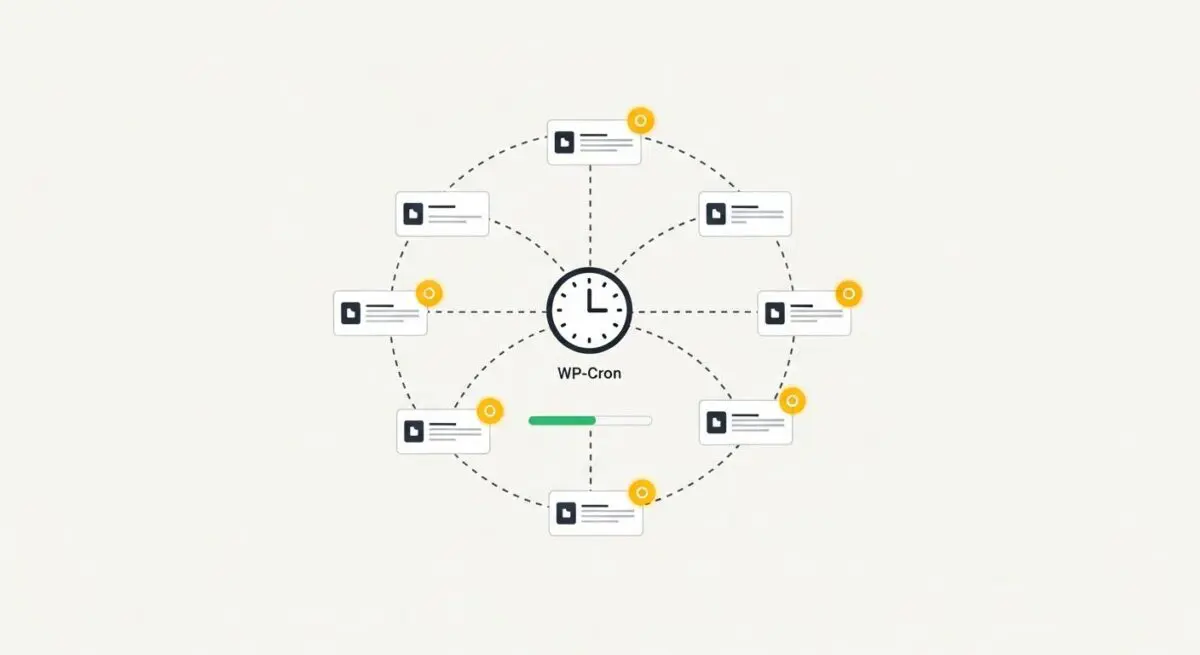
WP-Cron is the internal task scheduler for the WordPress CMS, designed to handle time-based tasks such as checking for core updates, publishing scheduled posts, and triggering plugin-specific background processes. Unlike traditional Unix-based cron jobs that operate at the operating system level, WP-Cron is a “pseudo-cron” mechanism. It does not run continuously as a background service; instead, it is triggered by incoming HTTP requests.
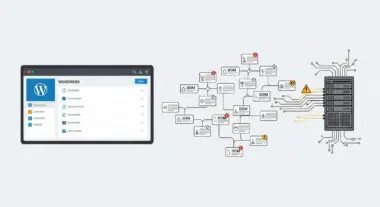
When a visitor loads a page on a WordPress site, the core software checks the wp_options table for the cron option key to determine if any tasks are overdue. If tasks are pending, WordPress attempts to spawn a new HTTP request to wp-cron.php to execute those tasks. This architecture ensures that WordPress can function across diverse hosting environments, including restricted shared hosting where users lack access to system-level crontab configurations.
The Real-World Analogy
Imagine a building manager who only performs maintenance tasks—such as changing lightbulbs or checking the fire alarm—when a tenant walks through the front door. If no one enters the building for three days, the maintenance tasks are ignored, and the lightbulbs stay burnt out. Conversely, if a thousand people walk through the door at once, the manager might get overwhelmed trying to check the maintenance schedule for every single person, causing a massive bottleneck at the entrance and delaying everyone’s entry.
How WP-Cron Impacts Server Performance & Speed Engineering?
WP-Cron can significantly degrade server response times and Core Web Vitals, specifically Time to First Byte (TTFB). Because the script is triggered during a standard page load, the PHP process must evaluate the cron schedule before or during the delivery of the HTML payload. In high-traffic scenarios, multiple concurrent requests can trigger the same cron task simultaneously, leading to race conditions, database locking, and unnecessary CPU spikes.
Furthermore, on sites with low traffic, critical tasks like database optimization or scheduled backups may fail to execute for days because no visitor has triggered the script. From a speed engineering perspective, the overhead of spawning a loopback request to wp-cron.php consumes valuable PHP workers, which could otherwise be used to serve content to users, potentially leading to 504 Gateway Timeout errors under heavy load.
Best Practices & Implementation
- Disable Default WP-Cron: Add
define('DISABLE_WP_CRON', true);to yourwp-config.phpfile to prevent WordPress from checking for tasks on every page load. - Configure System-Level Cron: Set up a real cron job in your server’s crontab (e.g.,
*/5 * * * * curl -I https://yourdomain.com/wp-cron.php >/dev/null 2>&1) to trigger tasks at fixed intervals, such as every 5 or 10 minutes. - Monitor Cron Bloat: Regularly inspect the wp_options table for a large cron entry. Massive arrays in this field can slow down every database query performed by the site.
- Utilize WP-CLI: For enterprise environments, use WP-CLI to run cron events (
wp cron event run --due-now) via the command line, which bypasses the web server overhead entirely.
Common Mistakes to Avoid
A frequent error is leaving WP-Cron enabled on high-traffic sites, which results in redundant executions and wasted server resources. Another common mistake is failing to verify that the server-side loopback request is permitted by the Web Application Firewall (WAF) or security plugins; if wp-cron.php is blocked, scheduled tasks will never execute, leading to missed posts and failed updates.
Conclusion
WP-Cron is a vital but resource-dependent component of WordPress architecture. For enterprise-grade performance and reliability, migrating from pseudo-cron to server-level execution is a mandatory optimization step.