Executive Summary
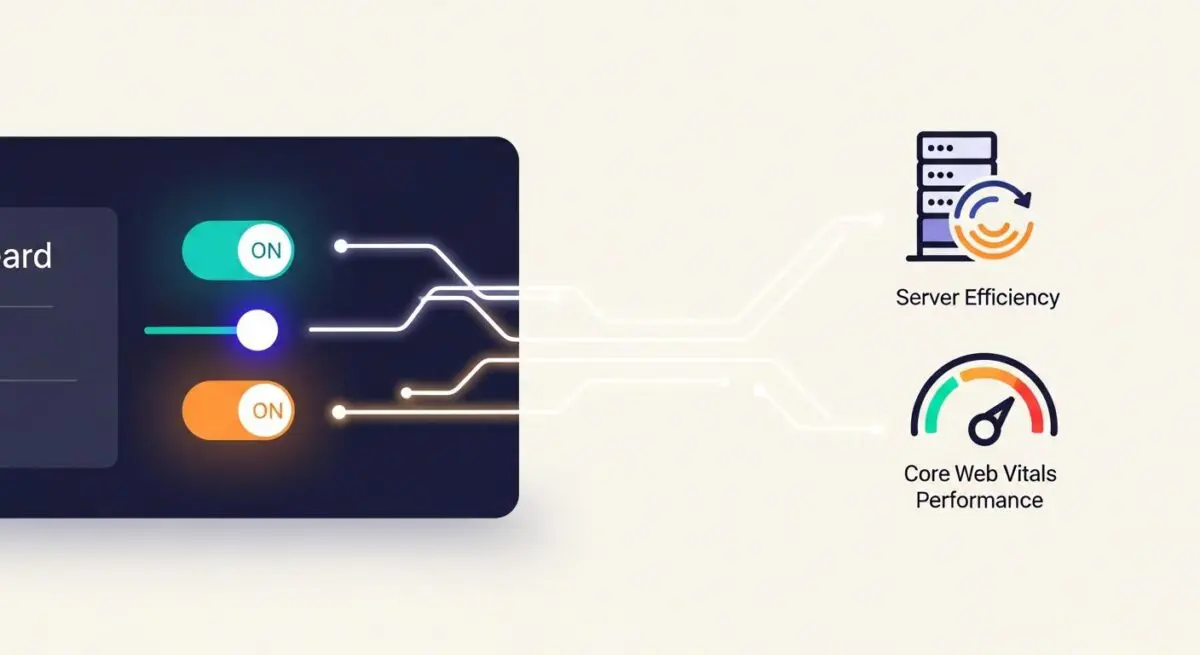
- Orchestrates critical rendering path optimization through automated Critical CSS generation and JavaScript execution delays.
- Reduces Time to First Byte (TTFB) and server overhead by implementing advanced static page caching and preloading mechanisms.
- Facilitates edge-level asset delivery and image optimization via deep integration with high-performance Content Delivery Networks.
What is FlyingPress?
FlyingPress is an all-encompassing performance optimization framework for the WordPress ecosystem, designed to streamline the delivery of web assets and improve Core Web Vitals. Unlike basic caching plugins, FlyingPress operates as a comprehensive orchestration layer that manages the critical rendering path, asset minification, and database maintenance. It transforms the standard dynamic WordPress request-response cycle into a highly efficient static delivery model, significantly reducing the computational load on the origin server.
At its core, FlyingPress utilizes advanced techniques such as Critical CSS generation, JavaScript delay, and intelligent preloading to ensure that the browser prioritizes the most important visual elements. By offloading resource-intensive tasks—such as image compression and WebP conversion—to specialized infrastructure or the edge, it maintains a lean server environment suitable for high-traffic enterprise deployments.
The Real-World Analogy
Imagine a high-efficiency logistics center serving a global retail chain. Instead of waiting for a customer to place an order and then manufacturing the product from scratch (which is how PHP generates a page), the center pre-packages the most popular items (caching) and stores them in local warehouses near the customer (CDN). Furthermore, the center optimizes the packaging to be as light as possible (minification) and ensures that the most essential items are loaded onto the delivery truck first (Critical CSS), so the customer can start using the product even before the entire shipment has arrived.
How FlyingPress Impacts Server Performance & Speed Engineering?
FlyingPress fundamentally alters the server-side architecture by minimizing the execution of the WordPress core, theme, and plugin PHP code. By generating and serving static HTML files, it bypasses the expensive MySQL database queries and PHP processing typically required for every page load. This results in a dramatic reduction in Time to First Byte (TTFB) and allows the hosting environment to handle significantly higher concurrent user loads without a linear increase in CPU or RAM consumption.
From a front-end engineering perspective, FlyingPress optimizes the browser’s main thread by delaying the execution of non-essential JavaScript until user interaction occurs. This reduces Total Blocking Time (TBT) and improves the Interaction to Next Paint (INP) metric. Additionally, its native integration with edge computing platforms allows for the offloading of asset delivery, ensuring that high-latency mobile connections receive optimized content from the nearest geographical node.
Best Practices & Implementation
- Implement Script Orchestration: Use the “Delay JavaScript” feature to prevent non-critical third-party scripts (like tracking pixels or chat widgets) from interfering with the initial page render.
- Optimize the Critical Rendering Path: Enable “Generate Critical CSS” to inline the styles required for above-the-fold content, eliminating render-blocking CSS requests.
- Leverage Link Preloading: Activate the “Preload Links” setting to instruct the browser to fetch the HTML of a page when a user hovers over a link, creating a near-instantaneous transition experience.
- Configure Cache Bypass Rules: Ensure that dynamic pages such as user dashboards, checkout pages, and administrative interfaces are excluded from the global cache to prevent data leakage and session conflicts.
Common Mistakes to Avoid
A frequent error is the “Double Caching” conflict, where FlyingPress is deployed alongside other optimization plugins or server-level caching (like Varnish) without proper synchronization, leading to stale content or broken layouts. Another common mistake is failing to test the “Delay JavaScript” exclusions, which can inadvertently break essential site functionality like mobile navigation menus or interactive forms. Finally, neglecting to monitor the cache size can lead to disk space exhaustion on servers with limited storage, particularly on sites with thousands of unique URL permutations.
Conclusion
FlyingPress represents a sophisticated approach to WordPress performance, moving beyond simple caching to provide a holistic optimization layer. For enterprise environments, it is an essential tool for maintaining high availability and superior user experiences through disciplined asset management and server-side efficiency.