Executive Summary
- Nexcess provides a specialized managed hosting environment optimized for PHP-based applications, specifically targeting WordPress and WooCommerce scalability.
- The architecture integrates enterprise-grade performance tools, including Object Cache Pro and a proprietary Plugin Performance Monitor, to reduce database latency and identify resource bottlenecks.
- Infrastructure features include dynamic auto-scaling and server-side caching layers (Nginx/Varnish) designed to maintain low Time to First Byte (TTFB) during high-concurrency events.
What is Nexcess?
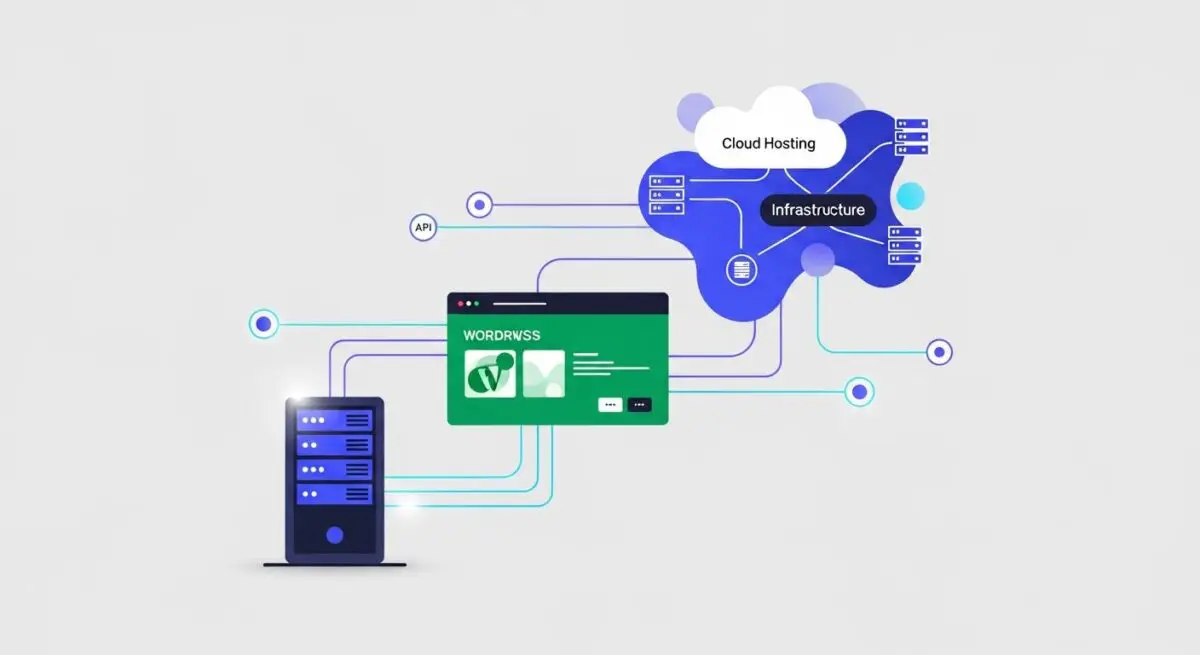
Nexcess is a premium managed hosting provider, operating as a specialized brand under the Liquid Web family, engineered specifically for high-performance CMS environments like WordPress, WooCommerce, and Magento. Unlike generic shared hosting providers that utilize a one-size-fits-all server configuration, Nexcess employs a highly tuned software stack optimized for PHP execution and MySQL database efficiency. Their infrastructure is built on a cloud-native foundation that prioritizes vertical and horizontal scalability, ensuring that resource-intensive applications maintain stability under heavy concurrent loads.
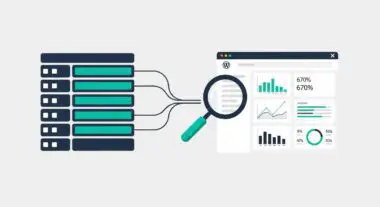
From a technical perspective, the Nexcess platform integrates advanced server-side caching mechanisms, including Nginx for reverse proxying and Redis (via the high-performance Object Cache Pro) for persistent object storage. This multi-layer caching strategy significantly reduces the computational overhead on the application server by serving static assets and pre-rendered database queries directly from memory. Furthermore, their environment includes specialized telemetry tools such as the Plugin Performance Monitor, which provides granular data on how specific WordPress hooks and plugins impact server resources and overall page load times.
The Real-World Analogy
Imagine a high-performance Formula 1 pit crew. Generic hosting is like a standard local mechanic who services every type of vehicle with basic tools and a general knowledge base. Nexcess is the specialized pit crew that only works on one specific engine type. They utilize custom-engineered tools, real-time telemetry sensors to detect the slightest friction in the engine, and have the ability to swap parts or boost fuel flow instantly during a high-stakes race. Just as the pit crew ensures the car maintains maximum velocity without overheating, Nexcess provides the specialized environment and monitoring required for a WordPress site to run at peak performance under the pressure of high traffic.
How Nexcess Impacts Server Performance & Speed Engineering?
Nexcess significantly influences server performance through its integrated “Cloud Accelerator” and server-level optimizations. By offloading static content to the edge and utilizing Nginx for efficient request handling, it minimizes the load on the PHP-FPM process. The inclusion of Object Cache Pro is a critical architectural advantage; it optimizes the way WordPress interacts with the database by storing the results of complex queries in RAM. This reduces the frequency of expensive disk I/O operations, which is often the primary bottleneck in WordPress scalability.
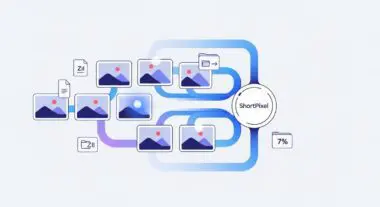
Furthermore, Nexcess addresses the challenge of render-blocking resources by providing built-in image compression and a global Content Delivery Network (CDN). Their auto-scaling feature is particularly impactful for speed engineering; it dynamically allocates additional PHP workers during traffic spikes, preventing 504 Gateway Timeout errors and ensuring that server response times remain consistent even when the site experiences a surge in visitors. This proactive resource allocation is essential for maintaining high Core Web Vitals scores, particularly Largest Contentful Paint (LCP).
Best Practices & Implementation
- Leverage Object Cache Pro: Always enable the provided Redis integration to offload database queries and improve the responsiveness of both the front-end and the WordPress administrative dashboard.
- Monitor Plugin Telemetry: Regularly review the Plugin Performance Monitor reports to identify and refactor or replace resource-heavy plugins that contribute to high TTFB.
- Configure the Nexcess CDN: Ensure the integrated CDN is active to offload static asset delivery to edge locations, reducing latency for geographically distributed user bases.
- Utilize Staging for Architectural Changes: Use the built-in staging environments to test PHP version upgrades or major plugin updates before deploying to production to ensure environment compatibility.
Common Mistakes to Avoid
A frequent error is the installation of redundant third-party caching plugins, such as WP Rocket or W3 Total Cache, without disabling features already managed at the server level by Nexcess. This can lead to cache conflicts, stale content, and increased CPU usage. Another common mistake is ignoring PHP versioning; failing to update to the latest stable PHP version supported by the Nexcess stack prevents the site from benefiting from the significant execution speed improvements and security patches found in newer PHP iterations.
Conclusion
Nexcess represents a specialized hosting tier that bridges the gap between standard managed hosting and complex cloud infrastructure, offering a purpose-built environment for enterprise-level WordPress deployments. Its focus on server-side optimization and proactive performance monitoring makes it a critical component for high-traffic, database-heavy web applications.