Executive Summary
- WP Rocket functions as a comprehensive performance optimization layer, automating page caching, cache preloading, and GZIP compression at the application level.
- The plugin optimizes the Critical Rendering Path through advanced CSS/JS minification, deferred execution of non-essential scripts, and LazyLoad implementation for media assets.
- Integration with Content Delivery Networks (CDNs) and Varnish/Nginx FastCGI cache purging ensures high-availability and consistency across distributed hosting environments.
What is WP Rocket?
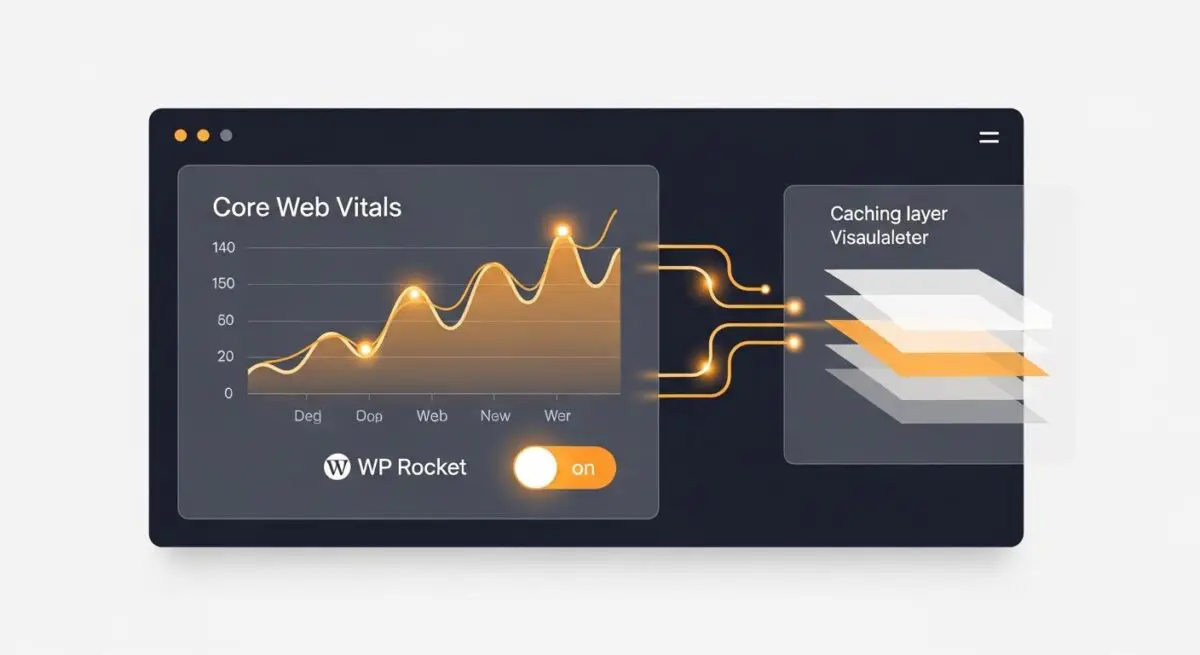
WP Rocket is a premium performance optimization plugin for WordPress designed to reduce Time to First Byte (TTFB) and improve Core Web Vitals. Unlike basic caching tools, it operates as a sophisticated middleware that intercepts requests to serve static HTML snapshots of dynamic PHP pages, significantly reducing server-side processing overhead. It integrates deeply with the WordPress filesystem and database to manage cache lifecycles and optimize asset delivery.
At its core, the software automates complex web performance engineering tasks such as GZIP compression, browser caching, and database optimization. By creating a pre-rendered version of the site, it minimizes the execution of the WordPress core, active themes, and installed plugins, which is essential for maintaining stability under high traffic loads in enterprise environments.
The Real-World Analogy
Imagine a high-end restaurant where every dish is cooked from scratch only after a customer orders it, leading to long wait times. WP Rocket is like a professional prep kitchen that anticipates popular orders and keeps them perfectly preserved in a high-tech warming station. When a customer arrives, the meal is served instantly without the chef needing to start from zero, ensuring a fast, consistent experience regardless of how many people are in the dining room.
How WP Rocket Impacts Server Performance & Speed Engineering?
WP Rocket mitigates the inherent overhead of the WordPress PHP execution cycle. By generating static HTML files, it bypasses the need for the server to query the MySQL database and execute complex PHP scripts for every page view. This drastically lowers CPU and RAM utilization on the origin server. Furthermore, its Delay JavaScript Execution feature prioritizes the rendering of the Largest Contentful Paint (LCP) by holding back non-critical scripts until user interaction, directly improving perceived performance and SEO rankings.
Additionally, the plugin enhances edge caching efficiency. By providing seamless integration with CDNs and specialized hosting stacks (such as those utilizing Nginx or Kinsta), it ensures that the cache is purged and regenerated intelligently. This prevents the delivery of stale content while maintaining the speed benefits of a distributed network architecture.
Best Practices & Implementation
- Enable Delay JavaScript Execution: Use this feature selectively to ensure critical UI components like mobile menus remain functional while deferring third-party tracking scripts.
- Utilize Remove Unused CSS: Generate a unique Critical CSS file for each page type to reduce the render-blocking impact of large theme stylesheets and improve First Contentful Paint (FCP).
- Configure Cache Preloading: Implement a sitemap-based preloading strategy to ensure the cache is warmed before organic visitors arrive, maintaining high cache hit ratios.
- Database Optimization: Regularly schedule the cleanup of post revisions and transients through the plugin’s database tab to maintain a lean SQL structure and reduce query latency.
Common Mistakes to Avoid
One frequent error is over-optimization, where aggressive minification or script combining breaks site functionality due to dependency conflicts. Another mistake is failing to exclude dynamic pages, such as WooCommerce checkout or user account pages, from the cache, which can lead to data leakage or broken user sessions. Finally, many administrators neglect to synchronize WP Rocket with server-level caches like Varnish, leading to inconsistent content delivery.
Conclusion
WP Rocket serves as a critical architectural component for scaling WordPress, transforming dynamic resource-heavy sites into high-performance static-like experiences through intelligent caching and asset optimization.