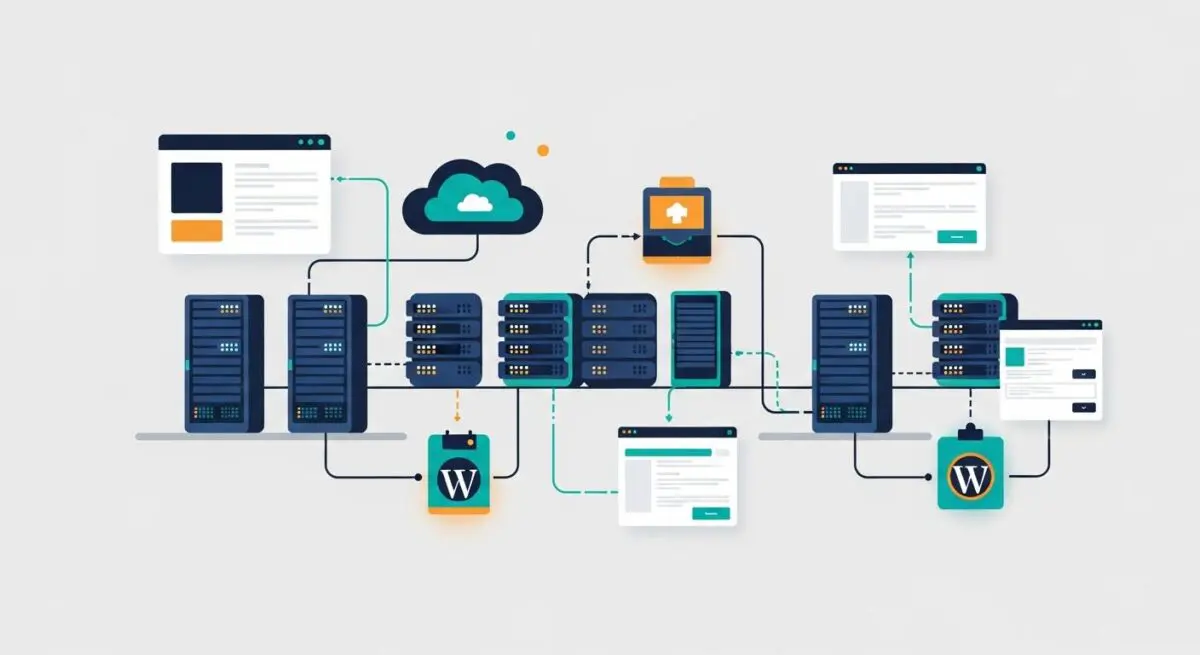
Executive Summary
- DigitalOcean utilizes KVM-based virtualization to provide dedicated resource allocation for WordPress environments, ensuring consistent CPU and RAM availability.
- The infrastructure supports advanced scaling through Block Storage, Load Balancers, and a robust API for automated DevOps workflows.
- High-performance hardware options, such as Premium Intel and AMD droplets, significantly reduce Time to First Byte (TTFB) and improve PHP processing speeds.
What is DigitalOcean?
DigitalOcean is a specialized cloud infrastructure provider that delivers Infrastructure-as-a-Service (IaaS) through virtualized instances known as Droplets. Unlike traditional shared hosting environments where resources are oversubscribed across hundreds of users, DigitalOcean leverages Kernel-based Virtual Machine (KVM) technology to provide isolated environments. For WordPress architects, this means a dedicated slice of hardware resources, including vCPU, RAM, and NVMe-based solid-state drives, which are critical for maintaining the performance of the WordPress core, its database, and the PHP execution engine.
In the context of modern WordPress hosting, DigitalOcean serves as the foundational layer for many managed hosting providers and DIY DevOps setups. It offers a developer-centric ecosystem featuring a robust REST API, Virtual Private Clouds (VPC) for secure internal networking, and managed database services. This infrastructure allows for the deployment of highly customized LEMP (Linux, Nginx, MySQL/MariaDB, PHP) stacks, which are optimized specifically for the nuances of WordPress’s database-heavy architecture and dynamic content generation requirements.
The Real-World Analogy
To understand DigitalOcean, imagine a modular skyscraper where you don’t just rent a pre-furnished apartment, but rather a specific amount of floor space and structural capacity. In a traditional shared host, you are living in a crowded dormitory where everyone shares the same kitchen and bathroom; if one person leaves the water running, everyone suffers. With DigitalOcean, you are given a private floor with your own dedicated utility lines. You have the freedom to build the walls where you want (server configuration), install high-end appliances (optimized PHP versions), and if your family grows (traffic increases), you can instantly lease the floor above you and connect them with a private elevator (scaling). You are responsible for the interior design and security, but the structural integrity and resource delivery are guaranteed.
How DigitalOcean Impacts Server Performance & Speed Engineering?
DigitalOcean’s architecture directly influences WordPress performance through several technical vectors. First, the use of NVMe (Non-Volatile Memory Express) storage in their Premium Droplets provides significantly higher IOPS (Input/Output Operations Per Second) compared to standard SSDs. This is vital for WordPress because every page load involves multiple database queries and file system reads; faster disk I/O translates directly to lower latency in the WordPress admin dashboard and faster front-end rendering.
Furthermore, DigitalOcean’s network backbone is designed for high throughput and low latency. By utilizing their Global Edge Network and Load Balancers, developers can distribute traffic across multiple Droplets, preventing any single point of failure and ensuring that the server response time remains stable during traffic spikes. The ability to deploy Droplets in geographically diverse data centers allows architects to place the WordPress origin server closer to the target audience, minimizing the physical distance data must travel, which is a core component of optimizing Core Web Vitals, specifically Largest Contentful Paint (LCP).
Best Practices & Implementation
- Opt for Premium Droplets: Always select Premium Intel or AMD Droplets for WordPress sites. These instances offer higher clock speeds and improved memory bandwidth, which are essential for the single-threaded nature of PHP processing.
- Implement a VPC: Use Virtual Private Clouds to isolate your WordPress web server and your Managed Database. This ensures that database traffic stays off the public internet, reducing latency and increasing security.
- Offload Media to Spaces: Use DigitalOcean Spaces (S3-compatible object storage) combined with a CDN to serve images and videos. This reduces the load on the Droplet’s local storage and improves parallel loading of assets.
- Utilize Cloud Firewalls: Configure DigitalOcean’s network-level firewalls to block malicious traffic before it even reaches your Droplet, preserving CPU cycles for legitimate user requests.
- Automate Backups and Snapshots: Enable automated weekly backups and take manual snapshots before any major WordPress core or plugin updates to ensure a rapid recovery point objective (RPO).
Common Mistakes to Avoid
One frequent error is under-provisioning RAM on entry-level Droplets. WordPress, especially when running resource-intensive plugins like WooCommerce or Elementor, can easily exhaust 1GB of RAM, leading to Out-Of-Memory (OOM) errors and database crashes. Another mistake is neglecting to configure a swap file on Linux; without a swap file, the server has no buffer when physical memory is full, causing the MySQL service to terminate abruptly. Finally, many users fail to utilize the DigitalOcean monitoring agent, missing critical alerts regarding CPU spikes or disk space exhaustion that could lead to preventable downtime.
Conclusion
DigitalOcean provides a high-performance, scalable foundation for WordPress hosting that empowers developers to move beyond the limitations of shared environments. By leveraging its KVM-based architecture and global network, agencies can build enterprise-grade WordPress sites optimized for speed, security, and reliability.